
How can I convert my mobile camera to IP camera?
How to Convert Your Mobile Camera into an IP Camera
How do I turn my phone camera into an IP camera
So you can see it here that’s my phone of course we need to go to Google Play and install an app play store IP camera there you go this one here you go press it. One. OK it’s going to install. Once
How can I use my old smartphone as an IP camera
AirDroid Personal is the best free app to turn old phone into security camera. While the old phone serves as a security camera, a secondary remote device (PC) functions as the viewing device.
How do I create an IP for my camera
Use a Command Prompt with the Ipconfig command. The easiest way to find out the IP address scheme of a network is by using the Command Prompt program. Change the network settings on the PC to a 192.168. Login to the camera and configure it for the main network scheme. Change the computer network settings back to default.
How can I use my mobile camera as a security camera
But what if you want something much simpler. Something on which you can record the surveillance footage on one phone and watch it Simon honestly on another from anywhere in the world in that case you
Can you remotely access phone camera
How to Download and Use AirMirror on Android. The AirMirror is the best Android app to remotely connect phone camera to another phone. Similar to AirDroid Personal, it has a camera feature that works to remotely access the phone camera from another phone even when both phones are far apart.
What app can I use for IP camera
IP Camera Monitor with Security Monitor Pro is a perfect combination when you need to control Security Monitor Pro cameras remotely on your Android device. Security Monitor Pro is a professional video surveillance software which turns your PC and IP cameras into a full video security system.
Can I use my old phone as a security camera without internet
Yes, you can have a dedicated security camera without internet. The camera will record footage and store the recordings on local SD card. However, if you are turning a phone into a security camera, you will need internet connection for remote viewing and even recording.
Do IP cameras have their own IP address
Unlike an ordinary webcam it is a standalone unit with its own IP address that requires nothing more than a network connection in order to transfer images. The IP camera connects to a network in exactly the same way as any other standard network device such as a laptop, tablet or printer.
Can I use my old phone as a security camera without Internet
Yes, you can have a dedicated security camera without internet. The camera will record footage and store the recordings on local SD card. However, if you are turning a phone into a security camera, you will need internet connection for remote viewing and even recording.
How can I monitor my security camera remotely
The first step is going to be to hop onto your nvr’s hdmi interface or visit the web interface for your camera or recorder navigate to the network menu. And then easy cloud. Make sure easy cloud is
How can I monitor my house while away
FAQs Install a home security system. In addition, sign up for 24/7 professional monitoring, at least while you will be away. Check your
[/wpremark>
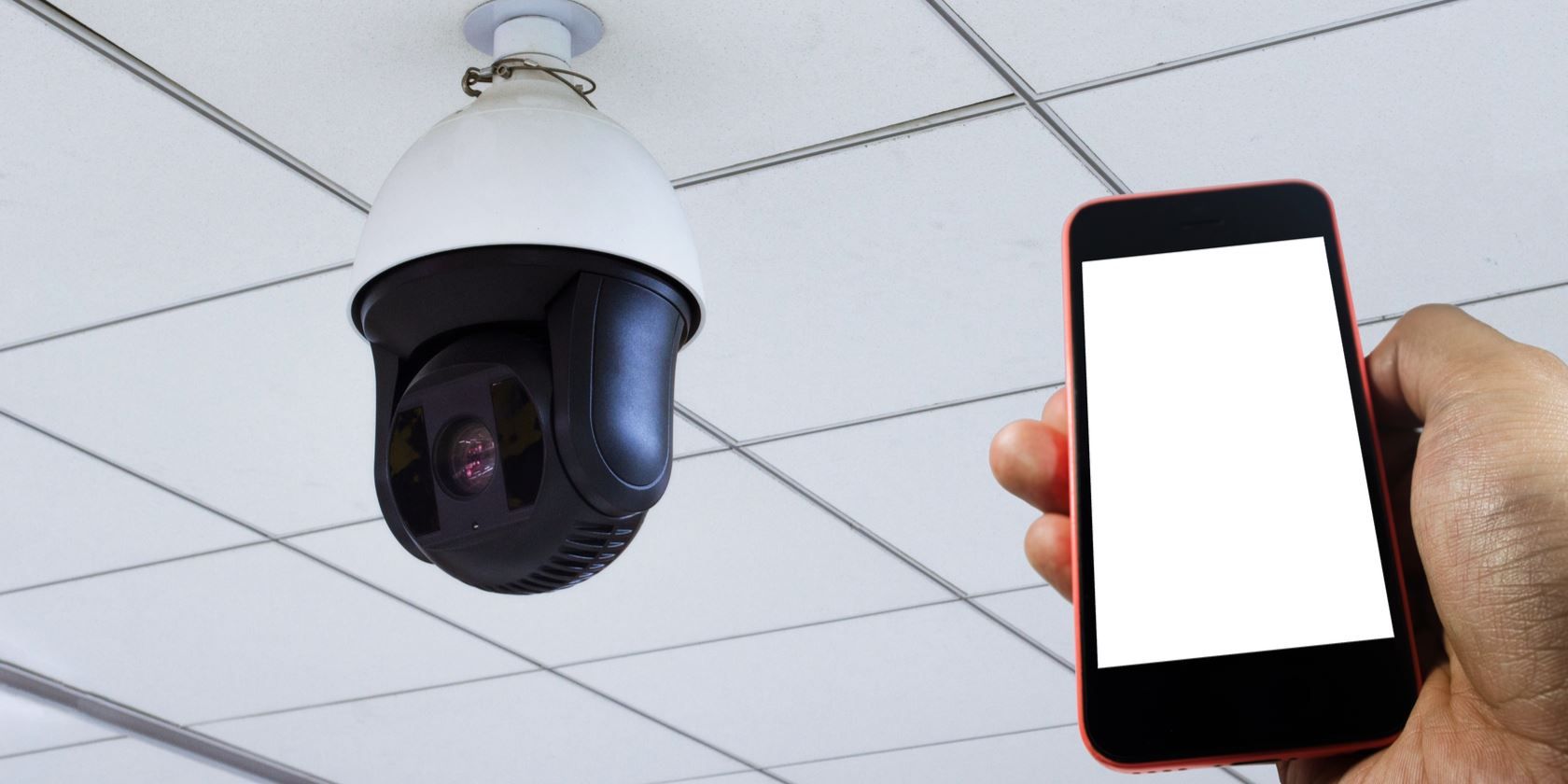
How do I turn my phone camera into an IP camera
So you can see it here that's my phone of course we need to go to Google Play and install an app play store IP camera there you go this one here you go press it. One. OK it's going to install. Once
How can I use my old smartphone as an IP camera
AirDroid Personal is the best free app to turn old phone into security camera. While the old phone serves as a security camera, a secondary remote device (PC) functions as the viewing device.
Cached
How do I create an IP for my camera
Use a Command Prompt with the Ipconfig command. The easiest way to find out the IP address scheme of a network is by using the Command Prompt program.Change the network settings on the PC to a 192.168.Login to the camera and configure it for the main network scheme.Change the computer network settings back to default.
How can I use my mobile camera as a security camera
But what if you want something much simpler. Something on which you can record the surveillance footage on one phone and watch it Simon honestly on another from anywhere in the world in that case you
Can you remotely access phone camera
How to Download and Use AirMirror on Android. The AirMirror is the best Android app to remotely connect phone camera to another phone. Similar to AirDroid Personal, it has a camera feature that works to remotely access the phone camera from another phone even when both phones are far apart.
What app can I use for IP camera
IP Camera Monitor with Security Monitor Pro is a perfect combination when you need to control Security Monitor Pro cameras remotely on your Android device. Security Monitor Pro is a professional video surveillance software which turns your PC and IP cameras into a full video security system.
Can I use my old phone as a security camera without internet
Yes, you can have a dedicated security camera without internet. The camera will record footage and store the recordings on local SD card. However, if you are turning a phone into a security camera, you will need internet connection for remote viewing and even recording.
Do IP cameras have their own IP address
Unlike an ordinary webcam it is a standalone unit with its own IP address that requires nothing more than a network connection in order to transfer images. The IP camera connects to a network in exactly the same way as any other standard network device such as a laptop, tablet or printer.
Can I use my old phone as a security camera without Internet
Yes, you can have a dedicated security camera without internet. The camera will record footage and store the recordings on local SD card. However, if you are turning a phone into a security camera, you will need internet connection for remote viewing and even recording.
How can I monitor my security camera remotely
The first step is going to be to hop onto your nvr's hdmi interface or visit the web interface for your camera or recorder navigate to the network menu. And then easy cloud. Make sure easy cloud is
How can I monitor my house while away
FAQsInstall a home security system. In addition, sign up for 24/ 7 professional monitoring, at least while you will be away.Check your home's security system before you leave.Alert your security company.Talk to your neighbors.Make your home look like you're there.
Is there a universal app for cameras
Xeoma. If you're not a tech-savvy person, Xeoma gives you an easy-to-use interface to view and monitor all your wireless cameras. Like IP Camera Viewer, this app is also free. A cutting edge of this app is that it operates on all systems; Windows, Android, iOS, and macOS.
Can I run IP cameras work without internet
Do IP Cameras Require an Internet Connection To answer your question, an IP camera may be set up and operational even if it is not directly linked to the web. However, if your cameras don't have an Internet connection, you'll be limited to accessing them only from devices on the same local area network.
How to setup IP camera without internet
To install a wireless security camera without the internet, you simply place it on a flat surface or mount it to a ceiling or wall. You may also need to place a hard drive somewhere, which may connect to the camera via a cable unless it's wire-free.
Can you have a security camera without internet or Wi-Fi
Yes, there is an outdoor security camera without wifi that functions without internet. Internet access is not always necessary for wireless security cameras. Instead, some security cameras allow for the local recording of their footage onto hard drives or micro-SD cards so that it can be watched later.
Do IP cameras work without internet
Do IP Cameras Require an Internet Connection To answer your question, an IP camera may be set up and operational even if it is not directly linked to the web. However, if your cameras don't have an Internet connection, you'll be limited to accessing them only from devices on the same local area network.
Can IP camera work without router
No. Despite the name “Internet Protocol,” IP security cameras do not require an outside connection to the Internet. All that's required is a connection to your local area network. In its most basic form, this LAN could look like your IP camera plugged directly into the Ethernet port on your PC.
Can you access IP camera remotely
Definitely yes! By following the above procedures about how to set up an IP camera for remote viewing, you'll be able to view your IP cameras outside your network using Internet or different WiFi connections, even you are travelling abroad.
Is there an app to see if cameras are in your house
Whether you're concerned about your privacy at home, or want to ensure that your office or hotel room is secure, Hidden Camera Finder is the perfect app for you. With its easy-to-use interface and reliable camera detection technology, you can quickly and easily locate any hidden cameras in your surroundings.
What app can you use to watch your house
The Top 4 Home Security System AppsADT Control App.SimpliSafe Home Security App.Vivint Smart Home App.Frontpoint Mobile App.
Can IP cameras work with any app
In general, most IP cameras come with their own dedicated apps or software that allow you to access and control the camera's features. However, some IP cameras also support universal apps that can be used to access and control multiple cameras from different brands and manufacturers.
How can I use IP camera without internet router
In the beginning, you need to plug-in power adapters to provide power to your IP cameras without routers. Generally speaking, security camera sellers will offer you power adapters in WiFi security camera packages. For PoE IP cameras, you can use a single Ethernet cable to power them on.
How to install IP camera without internet
To install a wireless security camera without the internet, you simply place it on a flat surface or mount it to a ceiling or wall. You may also need to place a hard drive somewhere, which may connect to the camera via a cable unless it's wire-free.
What is needed for IP camera system
The IP camera requires a PoE (Power over Ethernet) network connection. Installation requires running the network cables, adding switches, and adjusting the cameras to view the areas you want to see. Run the network cable through the walls and ceilings to all the locations where you would like to install the IP cameras.
What kind of security camera works without WiFi
There are a few types of wireless security cameras that work without internet, such as closed-circuit TV (CCTV) cameras, analog cameras, and IP security cameras.


0 Comments