
How do I install an app without asking permission?
Summary of the Article: How to Install an App Without Asking Permission
1. How to make it so you don’t have to ask permission to download an app:
Change app permissions on your phone by following these steps:
– Open the Settings app.
– Tap Apps.
– Select the app you want to change. If you can’t find it, tap See all apps.
– Tap Permissions. Here, you’ll find all the permissions you can allow or deny for the app.
– To change a permission setting, tap it and choose Allow or Don’t allow.
2. How do I turn off ask permission for apps:
If you want to turn off app permission requests, follow these steps:
– Open the Family Link app.
– Select your child.
– Tap Controls, then Devices.
– Choose your child’s device and go to App permissions.
– Here, you can decide which permission to switch on or off.
3. How do I bypass ask permission on iPhone apps:
If you want to bypass permission requests on iPhone apps, follow these steps:
– Sign out of your iCloud (Apple ID) in settings.
– Create a new account and go to the App Store.
– Download the desired apps.
– Sign back in to your original account.
– Remember to turn off all settings for the app(s) to avoid detection.
4. How do I allow my child to download apps without permission:
To grant your child permission to download apps without asking, use the Family Link app in the following way:
– Open the Family Link app.
– Select your child.
– Tap Controls, then Content restrictions.
– Under “Content restrictions,” select the highest maturity level you want to allow for download or purchase of apps, games, movies, and TV shows.
5. How do I turn off restrictions for installing apps on iPhone:
To disable restrictions for installing apps on iPhone, follow these steps:
– Go to Settings and tap Screen Time.
– Tap Content & Privacy Restrictions, then Content Restrictions.
– Choose the desired settings for each feature or setting under Allowed Store Content.
6. How do I turn off parental approval on App Store:
To turn off parental approval on the App Store, follow these steps:
– On your iOS device, go to Settings > [Your Name] > Family Sharing.
– Tap your child’s name.
– On your Mac, go to Apple menu > System Preferences > iCloud > Manage Family and click the child’s name.
7. Why are my apps asking for permission:
Apps on Android ask for permission to access various features and data on your phone. These permissions can include access to the camera, microphone, private messages, conversations, and photos. App permission requests appear when an app needs access to sensitive hardware or data, typically for privacy-related reasons.
8. How do I bypass access restricted on iOS:
If you want to bypass access restrictions on iOS, you can use a VPN. Follow these steps:
– Download a VPN app and open it.
– Select a country other than yours.
– Add the VPN configuration to your device when prompted.
– Return to the VPN app and ensure that the status shows as “connected.”
– Now you can access blocked websites using Safari or other browsers.
9. How do I get rid of ask parental permission on App Store:
If you’re a parent or guardian and want to turn off Ask to Buy on the App Store, follow these steps:
– Open the Settings app.
– Tap your name.
– Go to Family Sharing.
– Select your family member’s name, then tap Ask to Buy.
– In iOS 15 or earlier, tap Ask to Buy, then your family member’s name.
– Finally, turn on or off Require Purchase Approval.
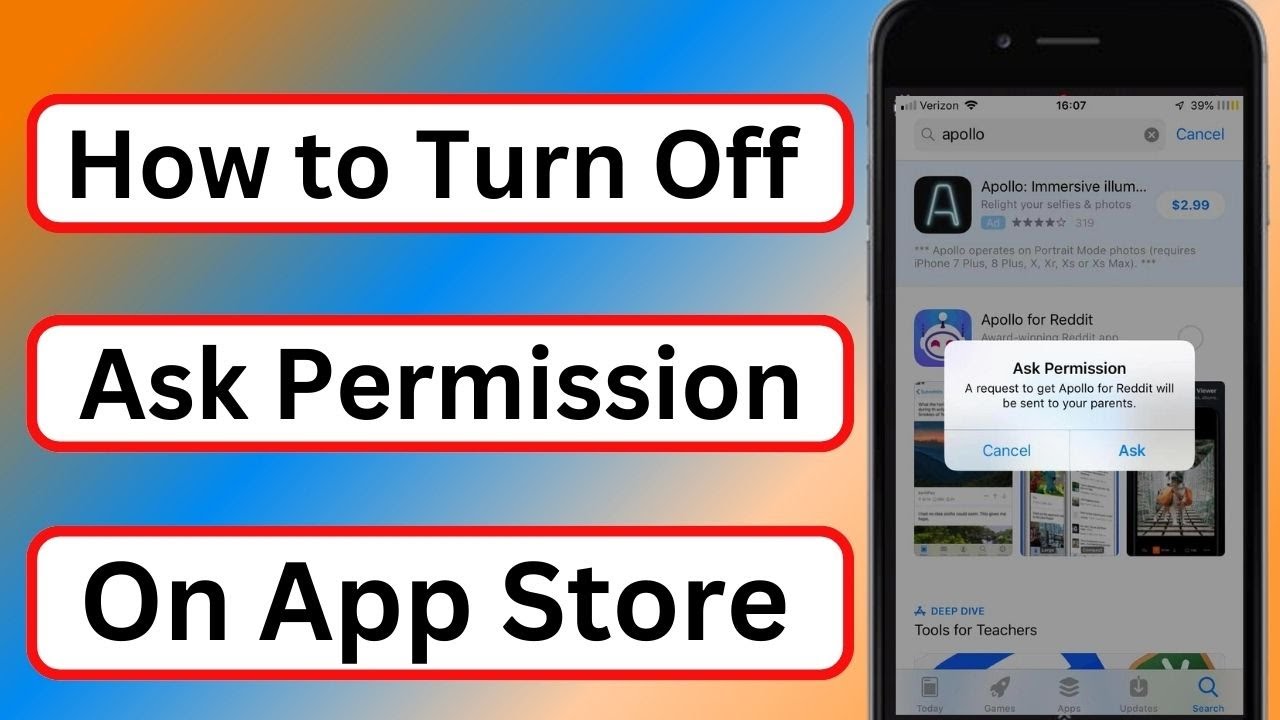
How to make it so you don t have to ask permission to download an app
Change app permissionsOn your phone, open the Settings app.Tap Apps.Tap the app you want to change. If you can't find it, tap See all apps.Tap Permissions. If you allowed or denied any permissions for the app, you'll find them here.To change a permission setting, tap it, then choose Allow or Don't allow.
How do I turn off ask permission for apps
Permissions.Open the Family Link app .Select your child.Tap Controls. Devices.Select your child's device. App permissions.Select a permission.Below your child's device, switch the permission on or off.
How do I bypass ask permission on iPhone apps
Sign out of your iCloud (Apple ID) in settings. Do whatever it says.Create a new account, and then go to the App Store.Get whatever apps you want, then sign back in to your other account like nothing happened.This is CRUCIAL!! Turn off all settings for the app(s). (-My parents did NOT find out!
How do I allow my child to download apps without permission
Always allowed apps.Open the Family Link app .Select your child.Tap Controls Content restrictions. Google Play.Under "Content restrictions," choose your filters: Apps, Games, Movies, and TV: Choose the highest maturity level of content you want to allow for download or purchase.
How do I turn off restrictions for installing apps on iPhone
Go to Settings and tap Screen Time. Tap Content & Privacy Restrictions, then tap Content Restrictions. Choose the settings that you want for each feature or setting under Allowed Store Content.
How do I turn off parental approval on App Store
* If you don't want to use Ask to Buy, you can turn it off:On your iPhone, iPad, or iPod touch, go to Settings > [your name] > Family Sharing, and tap the child's name.On your Mac, go to Apple menu > System Preferences > iCloud > Manage Family, then click the child's name.
Why are my apps asking for permission
Android app permissions can give apps control of your phone and access to your camera, microphone, private messages, conversations, photos, and more. App permission requests pop up the first time an app needs access to sensitive hardware or data on your phone or tablet and are usually privacy-related.
How do I turn off parental approval on app Store
* If you don't want to use Ask to Buy, you can turn it off:On your iPhone, iPad, or iPod touch, go to Settings > [your name] > Family Sharing, and tap the child's name.On your Mac, go to Apple menu > System Preferences > iCloud > Manage Family, then click the child's name.
How do I bypass access restricted IOS
1. Use a VPNDownload a VPN app and open it.Select a country other than yours.The first time you do this, it'll prompt you to add the VPN configuration to your device.Return to the VPN app, and you should see the “connected” status.Now you can access the blocked website inside Safari or other browsers.
How do I get rid of ask parent permission on App Store
"If you're a parent or guardian, use your own device to turn on or turn off Ask to Buy.Open the Settings app.Tap your name.Tap Family Sharing.Tap your family member's name, then tap Ask to Buy. In iOS 15 or earlier, tap Ask to Buy then tap your family member's name.Turn on or off Require Purchase Approval."
How do I bypass parental permission
Android Phone or TabletOpen the Google Play Store app.Tap your profile image in the upper-right corner.Tap Settings.Tap Family.Tap Parental Controls.Tap a category (i.g. "Apps & Games," "Movies," TV," "Books.")Enter your PIN.Tap Allow All and tap Save.
How do I remove app installation restrictions
How To Overcome the installation restriction of Android (apk link installation or upgrade)Go to Device Setting -> Security -> Mark the unknown sources box.Once marked, return to the installation and install the app.After the installation you will see the SurveyToGo app icon as expected.That's it you're ready to go!
How do I unblock an app from installing
Allowing app installs from Unknown Sources in AndroidNavigate to Setting > Security.Check the option “Unknown sources“.Tap OK on the prompt message.Select “Trust“.
How to deactivate parental control
Important: To stop supervision on your child's device, it must have Android 7.0 or higher.On your child's device, open Settings .At the top right, tap More Stop supervision.To verify you are a parent, sign in or use your Parent Access Code.To turn off supervision, follow the on-screen instructions.
How do I download without parental controls
How to turn off parental controls on an Android device using the Google Play StoreOpen the Google Play Store app and tap the menu icon, which consists of three stacked lines.Tap "Settings" on the menu, then scroll to and tap "Parental controls."
What happens if you turn off app permissions
An app will ask for permission when it needs something it can't access without it, and if you choose to refuse, that part of the app will not work. This can have little effect on the rest of the app, or it can be show-stopping and the app won't work.
Can an app be installed without your knowledge
The look and function of fake apps are structured to mimic a legitimate app in order to trick users into downloading them. When you install a third-party app, it requests permission to access your data. Fake apps exploit this to gain access to your personal information, often without your knowledge.
How do I bypass restricted apps
If you're sure you want to bypass the Windows security popup, here's how to do that:Navigate to the file or program that's being blocked by SmartScreen.Right-click the file.Tap Properties.Select the checkbox next to Unblock so that a checkmark appears.Click Apply.
How do I turn off Apple restrictions
Welcome back everyone you may be in a position where you want to go ahead and turn off your restricted mode on your iphone. Now luckily for you this is a very basic process but you need to be the
How to remove parental control
Important: To stop supervision on your child's device, it must have Android 7.0 or higher.On your child's device, open Settings .At the top right, tap More Stop supervision.To verify you are a parent, sign in or use your Parent Access Code.To turn off supervision, follow the on-screen instructions.
How do I bypass parental controls without them knowing
23 Ways (and Counting) for Kids to Bypass Your Parental ControlsParents forgot to secure all the devices.Figure out parents' passwords.Sneak the phone or iPad when parents are asleep.Use tech in offline mode.Hack the family router.Factory-reset the device.Use VPN (Virtual Private Network)Use a proxy server.
How do I turn off restricted mode on App Store
So what you want to do is you want to click on the settings. Application like this we already kind of skipped a few steps. You'll come into your settings panel like this. Now what you want to do is
How do I turn off restrictions for installing apps on Iphone
Go to Settings and tap Screen Time. Tap Content & Privacy Restrictions, then tap Content Restrictions. Choose the settings that you want for each feature or setting under Allowed Store Content.
How do I allow installation from unknown sources
Allowing app installs from Unknown Sources in AndroidNavigate to Setting > Security.Check the option “Unknown sources“.Tap OK on the prompt message.Select “Trust“.
How do I get rid of parent control app
on the Android home screen (or go to Home > Menu) and tap Settings > Security > Device administrators. Deselect Parental Control, enter your ESET HOME credentials and tap Deactivate. 2. Go back to the Settings and tap Manage apps > Parental Control and tap Uninstall.


0 Comments