
How do I install Malwarebytes on my Mac?
our system safe from malware. This starts with state-of-the-art antivirus software built in to block and remove malware. macOS checks for new updates every day, so it’s always equipped to defend against the latest threats. Keep your software up to date.
[/wpremark]
How do I use Malwarebytes on Mac
Open Malwarebytes on your Mac.Click Scan for Malware.Click Scan.
How do I use Malwarebytes for free
Install and open Malwarebytes. After you’ve installed Malwarebytes, make sure it’s up to date. To do so, open Malwarebytes, click on the “Current" tab, and then click the “Updates" tab. Make sure you’ve got the latest updates.
Perform a full scan. After updating Malwarebytes, click on the “Scan" tab and then click the “Start Scan" button. Malwarebytes will automatically scan your entire system for known infections, including Trojans
Remove any infections. If Malwarebytes finds any infections during the scan, you can select the infections you want to remove and then click the “Remove Selected" button. Malwarebytes will quarantine the infections and remove them from your system.
Can I trust Malwarebytes for Mac
Malwarebytes for Mac is a legitimate cybersecurity program that performs scans and removes malware from computers. MacOS users should feel confident using Malwarebytes for Mac to protect their devices and personal information.
What is the best free antivirus for Mac
Avira Free Antivirus for Mac aims to protect your MacOS-powered devices against malware. It relies on a scanner powered by artificial intelligence (AI) and cloud to detect malware and other threats. It has an intuitive interface, and it’s easy to set up and use.
Is Malwarebytes a good antivirus for Mac
Malwarebytes for Mac is a highly rated and trusted antivirus software for Mac devices. It offers real-time protection against malware, ransomware, and other advanced threats. Users can also avail of additional features like ad blocking and privacy protection. Overall, Malwarebytes is a reliable choice for Mac users.
Does Malwarebytes slow down Mac
Malwarebytes for Mac is designed to be lightweight and does not generally slow down your Mac's performance. However, it is important to keep the software updated to ensure optimal protection and performance.
Is Malwarebytes free trial really free
Malwarebytes offers a free 14-day trial of its premium features. During the trial period, you have access to all the advanced features. However, after the trial ends, you will need to purchase a license to continue using those features.
Is it worth buying Malwarebytes for Mac
Buying Malwarebytes for Mac is worth it if you want comprehensive protection against malware and other threats. The premium version offers real-time protection, scheduled scans, and advanced ransomware protection, among other features. It can help keep your Mac safe and secure.
Can you use Malwarebytes with another antivirus on Mac
It is generally recommended not to use multiple antivirus programs simultaneously on a Mac as they can conflict with each other and cause performance issues. However, using Malwarebytes alongside a compatible antivirus software can provide an additional layer of protection against malware and other threats.
How do I remove Malwarebytes from my Mac
To uninstall Malwarebytes for Mac, you can follow these steps:
Open the Applications folder on your Mac.
Locate and right-click on the Malwarebytes icon.
Select “Move to Trash.”
Enter your Administrator password when prompted.
Empty the Trash to complete the uninstallation.
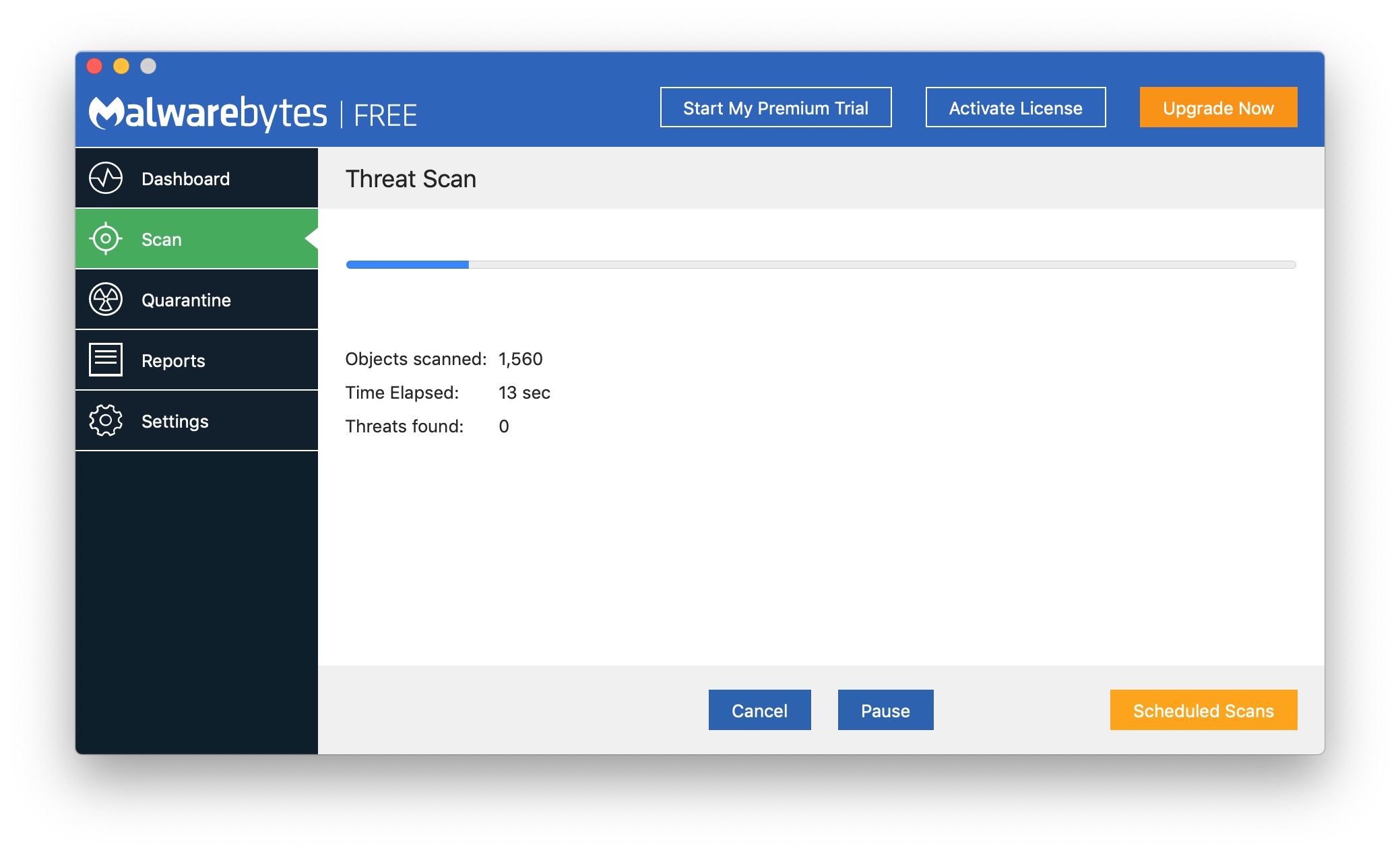
Is it safe to install Malwarebytes for Mac
Is Malwarebytes safe Whenever you entrust your Mac's security to an anti-malware program, you should take a minute to consider whether that software is safe to use. With Malwarebytes, you have nothing to worry about, as it's completely safe for your Mac.
Cached
Where do I find Malwarebytes on my Mac
The Malwarebytes menu is visible in the menu bar at all times and represented by the Malwarebytes icon. Click on it to display the following drop-down menu.
How do I reinstall Malwarebytes on my Mac
Uninstall and reinstall Malwarebytes for MacClick HERE to download the tool.In your Downloads folder, locate MB-Mac-Uninstall-Reinstall.Double-click it to run the tool.A window displays "MB-Mac-Uninstall-Reinstall" is an application downloaded from the Internet.
Cached
Is Malwarebytes for Mac still free
Remove and protect all devices from viruses and malware with our free antivirus – Malwarebytes Free for Windows, Mac, Android and iOS.
Does Apple own Malwarebytes
MalwareBytes is not made by Apple.
How much does Malwarebytes for Mac cost
For Windows, macOS, Android and Chrome
| Premium | Premium and Privacy | |
|---|---|---|
| Compatible Devices for VPN | n/a | Windows, macOS |
| VPN | No | Yes |
| Monthly Price | $3.33 | $8.33 |
| Yearly Price | $39.96 | $99.96 |
How do I know if Malwarebytes is installed
Open your Internet browser. In your browser's address bar, enter the website address http://iptest.malwarebytes.com/. This website address is used to test Web Protection on your computer.
Is Malwarebytes on Mac app Store
Malwarebytes – Mobile Security on the App Store.
How do I install and use Malwarebytes
Install Malwarebytes for WindowsDownload Malwarebytes for Windows.In the Downloads folder, double-click the MBSetup.exe setup file.If the User Account Control pop-up window appears, click Yes to allow the installation of Malwarebytes for Windows.Click Install.
Can you uninstall and reinstall Malwarebytes
If you're experiencing a technical issue with Malwarebytes for Windows, you can use the Malwarebytes Support Tool to uninstall and reinstall Malwarebytes.
How long does Malwarebytes free version last
14-DAY
14-DAY FREE TRIAL.
Is Malwarebytes a Russian company
Malwarebytes Inc. is an American Internet security company that specializes in protecting home computers, smartphones, and companies from malware and other threats.
Does Mac have a built in virus scanner
The technically sophisticated runtime protections in macOS work at the very core of your Mac to keep your system safe from malware. This starts with state-of-the-art antivirus software built in to block and remove malware.
Do you need virus protection on a Mac
In short, yes, you do need antivirus for your Mac. Mac computers are not immune to viruses, and other malware and Mac-targeted attacks are increasingly prevalent. Following best practices for securing your device and using built-in security features can help, but antivirus software can protect your device even further.
Where are you installing Malwarebytes
C:\Program Files\Malwarebytes
If you are upgrading, install in the same location as the previous version. Most users install in the default location, C:\Program Files\Malwarebytes. To install in a different location, you must first uninstall Malwarebytes.
Does Mac have built in virus protection
The technically sophisticated runtime protections in macOS work at the very core of your Mac to keep your system safe from malware. This starts with state-of-the-art antivirus software built in to block and remove malware.
How to safely download Malwarebytes
Follow the instructions below to download and install the app.On your Android device, open the Play Store.In the search bar, enter Malwarebytes, then tap.Tap Install.Tap Open after the installation is complete.Tap Get started.The first time the app launches, Malwarebytes requests security permissions on your device.
Does Malwarebytes actually remove malware
Yes, Malwarebytes is a safe antivirus service.
The service will also remove the existing malware from your computer or smartphone.
Is it safe to download free Malwarebytes
Is Malwarebytes legit YES. Malwarebytes is an award-winning, trusted provider of cybersecurity protection software and services to millions of customers.
What is the difference between Malwarebytes free and full version
In short, Real-Time protection is the major difference between Malwarebytes Free and Premium. Free version provides on demand scanning while Premium will provide continuous protection from threats. When you download Malwarebytes for the first time, it has all premium features for 14 days.
Is Malwarebytes trusted or not
Is Malwarebytes legit YES. Malwarebytes is an award-winning, trusted provider of cybersecurity protection software and services to millions of customers.
Is Malwarebytes still trusted
Yes, Malwarebytes is a safe antivirus service.
The service will also remove the existing malware from your computer or smartphone. Their advanced virus detection techniques and several security features protect against a garden variety of online threats.
Does clean my Mac scan for malware
CleanMyMac X will scan your Mac for malware, adware, ransomware, and the rest of “wares” that are specific to macOS. One click and these wicked programs are gone for good. With CleanMyMac X you can do regular malware checks to prevent any suspicious behaviour of your computer.
Does Mac come with built in antivirus
The technically sophisticated runtime protections in macOS work at the very core of your Mac to keep your system safe from malware. This starts with state-of-the-art antivirus software built in to block and remove malware.
Does Apple have built in antivirus
Do Macs Have Built-in Antivirus Macs have built-in antivirus and security software, but they aren't foolproof. Macs need third-party antivirus for total protection. Read our Bitdefender review, a top-rated software with 100-percent virus detection rate.


0 Comments