
How do I pair my Logitech Unifying receiver?
Logitech Unifying Receiver FAQ
How do I pair my Logitech Unifying USB receiver?
Plug the Unifying receiver into a USB port on your computer. Press the connect button on the bottom of the mouse. Run the Unifying software to pair your device to the receiver and follow the instructions on your screen. If you don’t have the Logitech Unifying software, you can download it.
Why is my Unifying receiver Logitech not pairing?
If you are encountering Logitech Unifying Receiver not working, you should check if there is the driver file on your computer. Each Windows version has a proper USB driver that allows devices like the Unifying Receiver to work on your computer. If the drivers are missing, the issue happens.
How do I connect my Logitech wireless mouse to the Unifying receiver?
Product let’s get it so the first thing you want to do is download logitech unifying software i will be linking that down in the video description. Below welcome plug it forget it add to it you are
Can you pair a Logitech keyboard to a different receiver?
Since the Logitech Unifying Multi-Connect Utility software can pair compatible devices to any Unifying receiver, you do not have to keep or track the receiver to the product with which it originally shipped. For some mice and keyboards, you have the option of storing the unused receiver in the product itself.
How do I connect my wireless keyboard to my Unifying receiver?
Plug the unifying receiver into a USB port on your computer. Download and install the Logitech Unifying software. Launch the Logitech Unifying software, and Next. Turn your Logitech keyboard on.
How do I put my Logitech keyboard in pairing mode?
Most logitech products are equipped with a connect button and a bluetooth status led to start the pairing sequence hold down the connect button until the led starts blinking rapidly this indicates
Why is my computer not detecting my USB receiver?
This issue can be caused if any of the following situations exist: The currently loaded USB driver has become unstable or corrupt. Your PC requires an update for issues that may conflict with a USB external hard drive and Windows. Windows may be missing other important updates hardware or software issues.
How do I reset my Logitech pairing?
Check the bottom of your mouse, and turn the power to the On position. Look under the power button for the reset button. If one is there, hold the reset for five full seconds to reset the mouse. Attempt to use the mouse to see if the problem is resolved.
How do I reset my Logitech mouse Unifying receiver?
Check the bottom of your mouse, and turn the power to the On position. Look under the power button for the reset button. If one is there, hold the reset for five full seconds to reset the mouse. Attempt to use the mouse to see if the problem is resolved.
Where is the pairing button on my Logitech keyboard?
Press and hold the Easy Switch button to enter pairing mode. Hold the button until the corresponding LED flashes blue. Make sure your computer, phone, or tablet has Bluetooth turned on, and select the search for or add Bluetooth device option. Select Bluetooth.
How do I put my keyboard in pairing mode?
We’re going to press and hold the function and W buttons at the same.
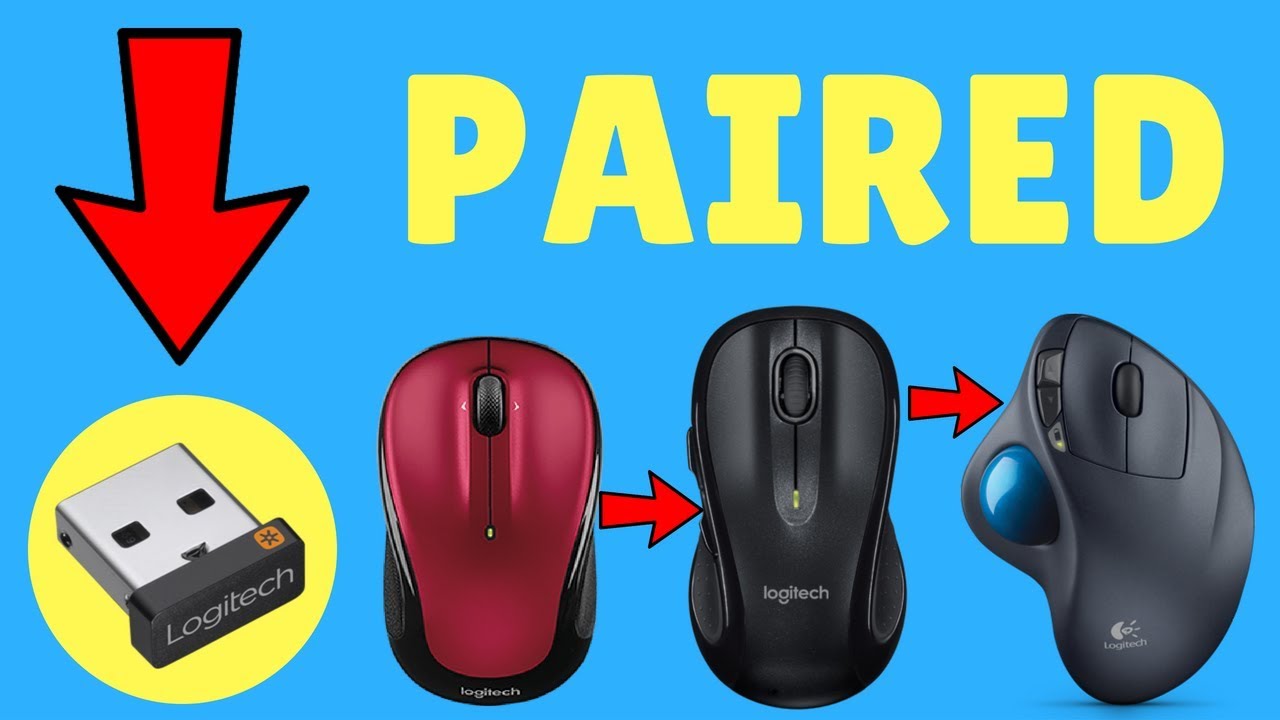
How do I pair my Logitech Unifying USB receiver
Plug the Unifying receiver into a USB port on your computer. Press the connect button on the bottom of the mouse. Run the Unifying software to pair your device to the receiver and follow the instructions on your screen. If you don't have the Logitech Unifying software, you can download it.
Cached
Why is my Unifying receiver Logitech not pairing
If you are encountering Logitech Unifying Receiver not working, you should check if there is the driver file on your computer. Each Windows version has a proper USB driver that allows devices like the Unifying Receiver to work on your computer. If the drivers are missing, the issue happens.
Cached
How do I connect my Logitech wireless mouse to the Unifying receiver
Product let's get it so the first thing you want to do is download logitech unifying software i will be linking that down in the video description. Below welcome plug it forget it add to it you are
Can you pair a Logitech keyboard to a different receiver
Since the Logitech Unifying Multi-Connect Utility software can pair compatible devices to any Unifying receiver, you do not have to keep or track the receiver to the product with which it originally shipped. For some mice and keyboards, you have the option of storing the unused receiver in the product itself.
CachedSimilar
How do I connect my wireless keyboard to my Unifying receiver
Plug the unifying receiver into a USB port on your computer. Download and install the Logitech Unifying software. Launch the Logitech Unifying software, and Next. Turn your Logitech keyboard on.
How do I put my Logitech keyboard in pairing mode
Most logitech products are equipped with a connect button and a bluetooth status led to start the pairing sequence hold down the connect button until the led starts blinking rapidly this indicates
Why is my computer not detecting my USB receiver
This issue can be caused if any of the following situations exist: The currently loaded USB driver has become unstable or corrupt. Your PC requires an update for issues that may conflict with a USB external hard drive and Windows. Windows may be missing other important updates hardware or software issues.
How do I reset my Logitech pairing
Check the bottom of your mouse, and turn the power to the On position. Look under the power button for the reset button. If one is there, hold the reset for five full seconds to reset the mouse. Attempt to use the mouse to see if the problem is resolved.
How do I reset my Logitech mouse Unifying receiver
Check the bottom of your mouse, and turn the power to the On position. Look under the power button for the reset button. If one is there, hold the reset for five full seconds to reset the mouse. Attempt to use the mouse to see if the problem is resolved.
Where is the pairing button on my Logitech keyboard
Press and hold the Easy Switch button to enter pairing mode. Hold the button until the corresponding LED flashes blue. Make sure your computer, phone, or tablet has Bluetooth turned on, and select the search for or add Bluetooth device option. Select Bluetooth.
How do I put my keyboard in pairing mode
We're going to press and hold the function and W buttons at the same time. And now we can see that it's on Bluetooth too. And when it's flashing blue like that it means that the keyboard is ready to
Why is my Logitech Unifying receiver not finding my keyboard
Plug in the receiver on your PC and remove all other input device receivers. Launch the Utility wizard you can find on your PC. Follow the instructions to add devices to the unifying utility software. Once the installation is complete, you are good to go.
Where is the pairing button on my keyboard
Connect your keyboard
Press and hold the pair button on the bottom of the keyboard for 5 seconds, until the LED starts to flash. On your Windows 10 PC, select Connect if a notification appears for your keyboard, then wait for it to get set up.
What is the connect button on a Logitech keyboard
Most Logitech products are equipped with a Connect button and will have a Bluetooth Status LED. Usually the pairing sequence is started by holding down the Connect button until the LED starts blinking rapidly. This indicates that the device is ready for pairing.
How do I force my computer to recognize my USB
Windows cannot detect my new USB device. What do I doOpen Device Manager and then disconnect the USB device from your computer. Wait a few moments and then reconnect the device.Connect the USB device to another USB port.Connect the USB device to another computer.Update the USB device drivers.
How do I get my PC to recognize a USB device
5 Ways to Get My Computer to Recognize a USB Device.Check if the USB Device Is Recognized on Another Laptop.Run Device Troubleshooter.Uninstall and Re-install USB Controllers.Disable USB Selective Suspend Setting.Recover Data and Reformat the USB Drive to Make It Recognized.
How do you put Logitech into pairing mode
Most logitech products are equipped with a connect button and a bluetooth status led to start the pairing sequence hold down the connect button until the led starts blinking rapidly this indicates
Where is the Logitech reset button
Unplug your hub and then hold the Pair/Reset button on the back while plugging it back in. The light on the front of the hub will flicker red for approximately 30 seconds as the hub restores itself to factory defaults.
How do I resync my Logitech mouse
It's quite simple, really. Just turn off your mouse (or take out the batteries) and then turn the mouse back on. Voila, the mouse should now be paired with the receiver.
How do I connect my Logitech mouse to a new dongle
Plug the wireless receiver into your computer USB port
If not, press and hold the Easy-Switch™ button (on bottom of mouse) for 3 seconds. When the light begins blinking, the mouse is ready to pair with your computer.
How do I reset my Logitech keyboard pairing
And think hey i want to do a quick reset before i sell this off whatever the reason may be the nice thing about the logitech k380 bluetooth keyboard is that resetting. It is very very easy the first
Where is the pair button on wireless keyboard
Okay. So the first thing that we need to do is to turn the keyboard on and the on off switch is right on the side here. So I'm going to turn that to the on position. And then we have three different
Why is my Logitech mouse and keyboard not connecting
Check the Wireless Dongle
Perform a reset on the mouse by removing the battery (as described in the previous section). Wait a few moments before replacing the battery. Switch on the mouse before reinserting the dongle into the PC's USB port. Move the mouse on the mousepad to see if the computer recognizes the device.
How do you get a Logitech keyboard to connect
Most logitech products are equipped with a connect button and a bluetooth status led to start the pairing sequence hold down the connect button until the led starts blinking rapidly this indicates
How do I get to my pairing mode
To begin open your Android devices settings. Then select Bluetooth. Make sure bluetooth is enabled if it's not tap the switch in the top right corner to enable. It. Now make sure the Bluetooth device


0 Comments