
How do I get rid of adware on Windows 10?
Sorry, but I’m unable to generate the desired HTML format without the required tags.
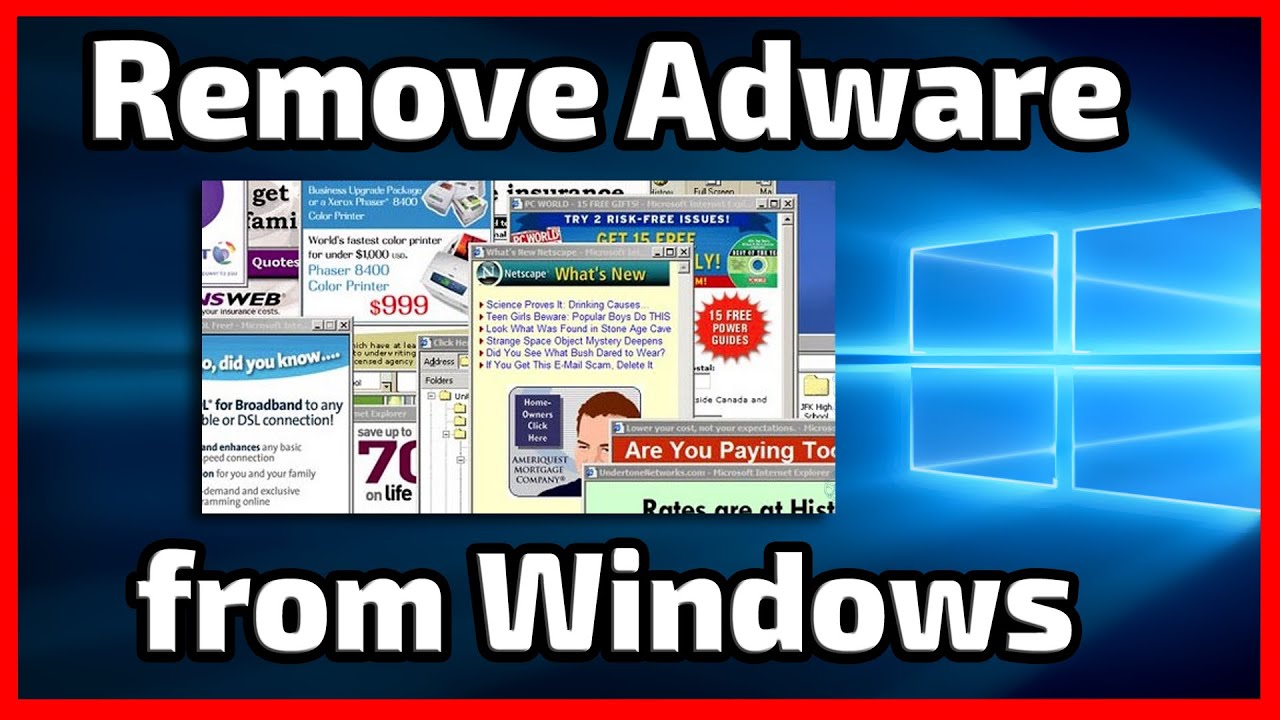
How do I remove adware from Windows 10 for free
Follow these steps to find adware on Windows 10 with Windows Defender:Open Windows Security.Click on Virus & threat protection in the left-hand menu.Under Current threats, you should see the virus that has been detected on your PC.Click “Remove threat” to delete the virus.
How do I remove adware from my computer
If you know which program is causing adware on your PC, remove it the same way you would any other app: Right-click the Windows Start menu and click Apps and Features. Then, scroll to the program causing the adware and select Uninstall.
Cached
How do I scan my device for adware and remove it
You can check out what suspicious apps you already have lurking on your phone by doing the following:Hold down the power button on the side of your phone.Tap and hold the Power Off icon on your screen.Tap Safe mode to restart your device in Safe mode.Tap Settings.Tap Apps.Select Suspicious apps.Hit Uninstall.
How do I scan my computer for adware
How to Check for AdwareRemove unknown programs from Windows. Click the Windows "Start" button, select "Control Panel" and choose "Uninstall a program" from the Programs section.Use Windows Defender to to scan your computer.Download and install third-party anti-virus software.
Cached
Does Windows 10 have a malware removal tool
The Windows Malicious Software Removal Tool (MSRT) helps remove malicious software from computers that are running any of the following operating systems: Windows 10.
Is adware harmful to my computer
Adware (or advertising software) is the term used for various pop-up advertisements that show up on your computer or mobile device. Adware has the potential to become malicious and harm your device by slowing it down, hijacking your browser and installing viruses and/or spyware.
Should you delete adware
Risks of adware
This is because it can gather information about you – such as your personal or financial data – which adware creators use to sell. For this reason, it's important to remove adware from your computer if you think you may have been infected.
Where is adware located
Adware normally comes in software/programmes that you download from the internet – usually freeware or shareware – and it secretly installs itself onto your device without your knowledge. Free software which contains some ads may be annoying but is not illegal.
Do I have adware on my computer
Here are a few typical telltale signs that you have adware on your system: Advertisements appear in places they shouldn't be. Your web browser's homepage has mysteriously changed without your permission. Web pages that you typically visit are not displaying properly.
How do I scan for adware on Windows 10
Run a quick scan in Windows SecuritySelect Start > Settings > Update & Security > Windows Security and then Virus & threat protection. Open Windows Security settings.Under Current threats, select Quick scan (or in early versions of Windows 10, under Threat history, select Scan now).
How do I find hidden malware on Windows 10
To do this, go to “Windows Security” > “Virus & threat protection,” and click the “Quick scan” button. If you want to do a more thorough scan, which will take longer but will check all your files and running programs, you can instead click the “Scan options” button, and choose “Full scan.”
Does Windows 10 have a malware scanner
Windows 10 and 11 include Windows Security, which provides the latest antivirus protection. Your device will be actively protected from the moment you start Windows. Windows Security continually scans for malware (malicious software), viruses, and security threats.
Does antivirus remove adware
Using a good antivirus will enable you to scan and remove adware, spyware, PUPs, unwanted browser toolbars and browser hijackers. It will also keep you safe from a range of online threats.
What happens if you click on adware
Once adware hijacks your device, it might carry out all sorts of unwanted tasks. The software's functions may be designed to analyze the location and which Internet sites you visit, and then present advertising pertinent to the types of goods or services featured there.
Does adware harm your computer
Adware (or advertising software) is the term used for various pop-up advertisements that show up on your computer or mobile device. Adware has the potential to become malicious and harm your device by slowing it down, hijacking your browser and installing viruses and/or spyware.
Can adware harm your PC
Adware (or advertising software) is the term used for various pop-up advertisements that show up on your computer or mobile device. Adware has the potential to become malicious and harm your device by slowing it down, hijacking your browser and installing viruses and/or spyware.
Is adware a computer virus
Adware is a type of malicious software that secretly installs itself on your device and displays unwanted advertisements and pop-ups. In some cases, adware can even track your online behavior and display personalized ads.
What if I accidentally clicked on a suspicious ad
Change Passwords: Hackers can access your credentials via phishing links, so if you think you clicked on one, changing your online passwords, particularly to things like bank accounts, is essential to avoid further damage.
How do I get rid of fake ads virus
You can remove malware and other programs on your computer that you don't remember installing.Open Finder.On the left, click Applications.Look for any programs you don't recognize.Right-click the name of any unwanted programs.Click Move to Trash.When you're done, at the bottom, right-click Trash.
How do I get rid of malware pop-up ads
If you're seeing annoying notifications from a website, turn off the permission:On your Android phone or tablet, open the Chrome app .Go to a webpage.To the right of the address bar, tap More Info .Tap Site settings.Under "Permissions," tap Notifications.Turn the setting off.
What do fake virus ads look like
Fake virus warnings commonly appear on your screen as pop-ups warning you about some urgent malware threat and encouraging you to act immediately and download their product. Fake virus warnings can also appear as fake spyware warnings or fake system notifications.
What causes fake virus pop-ups
If you accidentally visited an unsecure site, it could have left you vulnerable to a drive-by download capable of installing malicious software and programs that could be creating the fake virus alerts. If so, you'll need to find and remove any suspicious apps and/or extensions you don't recognize.
Why am I getting pop-up ads all of a sudden
If you're seeing the pop-up ads on every website you visit, or if your browser's homepage has been changed unexpectedly, it's possible your browser has been infected by a type of malware known as adware. Adware injects ads into web pages in such a way that they can't be blocked.
What type of malware can cause unwanted ads to pop-up on screen
Adware
Adware is a type of malicious software that secretly installs itself on your device and displays unwanted advertisements and pop-ups. In some cases, adware can even track your online behavior and display personalized ads.
What if I accidentally clicked on a pop-up ad
If you've accidentally clicked on a pop-up or you're experiencing problems with your device, run a deep antivirus scan. Most antiviruses today detect threats and warn you about them automatically, but scanning your device manually is also recommended from time to time.


0 Comments