
How do I connect my mini camera to WIFI?
How do I reset my mini WiFi camera
We recommend using either a paperclip or small screwdriver (not safety pins or thumbtacks) to reset the camera. When a Mini displays a solid red light, a long press of the reset button (more than 5 seconds) will reset the camera and enter setup mode.
How do you set up a mini hidden camera
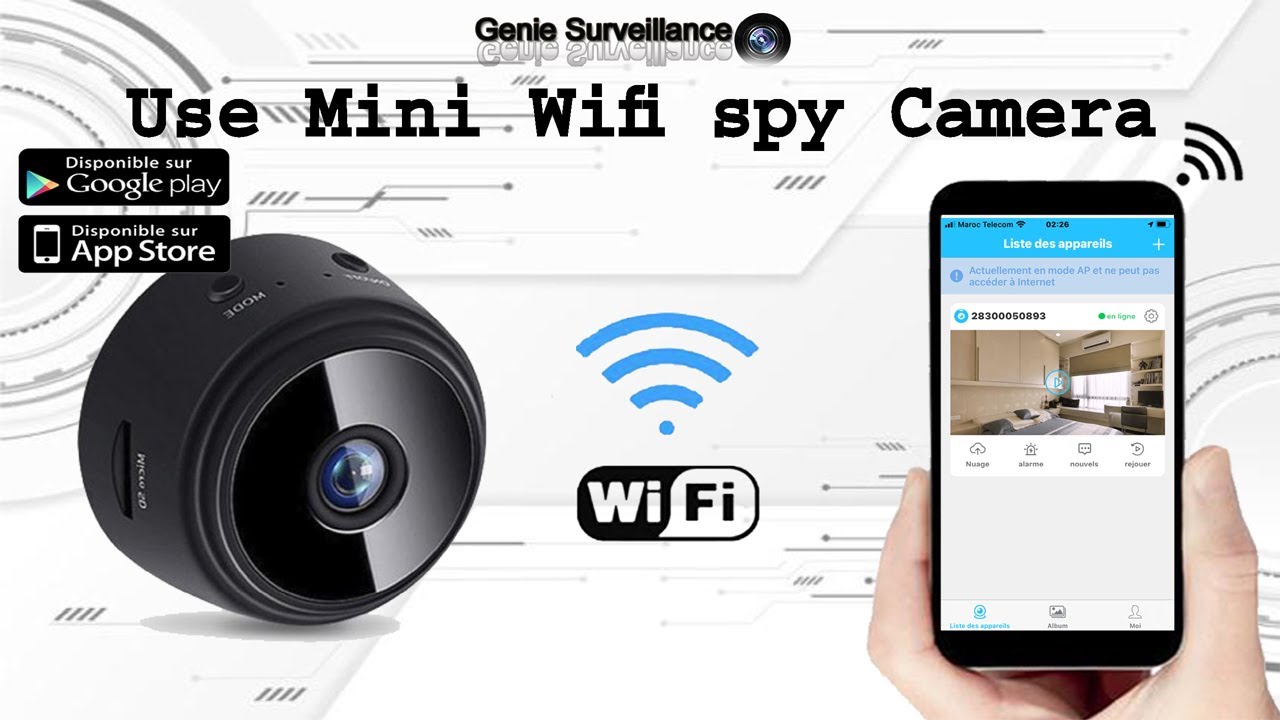
So to set it up we need to download. And install an app called a mini cam on Google Play Store or App Store depending on what device you’re using when you have the app opened. Click on the plus icon
Why won’t my security camera connect to my WiFi
Make sure to check that all connections, cables, and power is intact and tightly connected. If your security cameras are wireless, check the internet and make sure that it is connected successfully to the WiFi. You can also check if the router is properly working.
Does mini camera need WiFi
Yes, you can definitely set up a security camera even without the internet from your wi-fi network or cellular data. If you don’t need remote viewing from your spy camera on your cell phone and other devices, you can set up a hidden camera without Wi-Fi connection.
Why is my mini camera not connecting
If you have a Mini that frequently disconnects from your network, consider moving it closer to your Wi-Fi router. The most common cause of disconnection is poor signal strength.
How do I reconnect my wireless camera to Wi-Fi
In this video we’re showing you how to connect your real Link wireless cameras to a new Wi-Fi. In different situations. If you want to connect your camera to another Wi-Fi network within range you can
Is there an app for mini WIFI spy camera
minicam is an app that uses WIFI to connect a real-time surveillance camera from a mobile phone. You can watch surveillance video at any time, or you can save photos and videos on your phone for viewing.
How do I connect my WIFI camera to my phone
How can I connect my Android phone to my camera via Wi-FiEnable the hotspot function in your Android phone, i.e., you set up a Wi-Fi network on your Android phone.Connect the camera to the Android phone’s hotspot-enabled Wi-Fi network.
How do security cameras connect to the internet
Each camera has a cable running to it from the local storage device for both power and transmitting footage. Wired home cameras don’t use Wi-Fi but can be connected to the internet via an ethernet cable for viewing footage remotely.
How do you pair a security camera
Once the system is booted we can see that none of the cameras are paired. Right click on the mouse and select the main menu. We launch to the camera tab under settings. Select each channel or camera
How do mini WiFi cameras work
With a wireless security camera, the video signal—and, with some, the audio signal as well—transmits over the internet or other wireless network to a receiver that connects to your viewing and recording device. Many people use computers or cloud storage accounts to save the video footage for later viewing.
Why is my mini camera
not connecting
How do I reset my mini WiFi camera
We recommend using either a paperclip or small screwdriver (not safety pins or thumbtacks) to reset the camera. When a Mini displays a solid red light, a long press of the reset button (more than 5 seconds) will reset the camera and enter setup mode.
How do you set up a mini hidden camera
So to set it up we need to download. And install an app called a mini cam on Google Play Store or App Store depending on what device you're using when you have the app opened. Click on the plus icon
Why won’t my security camera connect to my WiFi
Make sure to check that all connections, cables, and power is intact and tightly connected. If your security cameras are wireless, check the internet and make sure that it is connected successfully to the WiFi. You can also check if the router is properly working.
Does mini camera need WiFi
Yes, you can definitely set up a security camera even without the internet from your wi-fi network or cellular data. If you don't need remote viewing from your spy camera on your cell phone and other devices, you can set up a hidden camera without Wi-Fi connection.
Cached
Why is my mini camera not connecting
If you have a Mini that frequently disconnects from your network, consider moving it closer to your Wi-Fi router. The most common cause of disconnection is poor signal strength.
How do I reconnect my wireless camera to Wi-Fi
In this video we're showing you how to connect your real Link wireless cameras to a new Wi-Fi. In different situations. If you want to connect your camera to another Wi-Fi network within range you can
Is there an app for mini WIFI spy camera
minicam is an app that uses WIFI to connect a real-time surveillance camera from a mobile phone. You can watch surveillance video at any time, or you can save photos and videos on your phone for viewing.
How do I connect my WIFI camera to my phone
How can I connect my Android phone to my camera via Wi-FiEnable the hotspot function in your Android phone, i.e., you set up a Wi-Fi network on your Android phone.Connect the camera to the Android phone's hotspot-enabled Wi-Fi network.
How do security cameras connect to the internet
Each camera has a cable running to it from the local storage device for both power and transmitting footage. Wired home cameras don't use Wi-Fi but can be connected to the internet via an ethernet cable for viewing footage remotely.
How do you pair a security camera
Once the system is booted we can see that none of the cameras are paired. Right click on the mouse and select the main menu. We launch to the camera tab under settings. Select each channel or camera
How do mini WiFi cameras work
With a wireless security camera, the video signal—and, with some, the audio signal as well—transmits over the internet or other wireless network to a receiver that connects to your viewing and recording device. Many people use computers or cloud storage accounts to save the video footage for later viewing.
Why is my mini camera offline
If you receive a "Camera Offline" notification that "Your Blink Mini is offline", it means the Blink servers lost communication with the camera. This will normally fix itself when the network comes back up, or when there is less traffic on the Wi-Fi network.
Why won t my home mini connect to Wi-Fi
Sometimes routers disconnect from devices after internet outages. To reset your router, unplug your router from its power source. Wait about 30 seconds for it to shut down completely, then plug it back in. Wait a few minutes, then try connecting your Google Home Mini to Wi-Fi.
How do I find my cameras connected to my Wi-Fi
7 Ways to Spot Hidden CamerasLook for Odd Objects. It's a good practice to thoroughly scan your surroundings whenever you enter a new room.Use a Flashlight.Use Your Smartphone Camera.Scan the Wi-Fi Network.Use a Phone Call to Detect Interference.Use a Hidden Camera Detector App.Use a Specialized RF Detector.
How does a wireless camera connect to the internet
Wi-Fi security cameras work by transmitting data (the video and audio they record) over a Wi-Fi connection. A Wi-Fi hub allows your wireless devices to connect to the internet wirelessly or through an ethernet port.
How do mini WIFI cameras work
With a wireless security camera, the video signal—and, with some, the audio signal as well—transmits over the internet or other wireless network to a receiver that connects to your viewing and recording device. Many people use computers or cloud storage accounts to save the video footage for later viewing.
How do I find my cameras connected to my WiFi
7 Ways to Spot Hidden CamerasLook for Odd Objects. It's a good practice to thoroughly scan your surroundings whenever you enter a new room.Use a Flashlight.Use Your Smartphone Camera.Scan the Wi-Fi Network.Use a Phone Call to Detect Interference.Use a Hidden Camera Detector App.Use a Specialized RF Detector.
Do all security cameras connect to Wi-Fi
Do all home security cameras require Wi-Fi Not all home security cameras require Wi-Fi. Some cameras, like the Arlo Go and the Reolink Go, can use LTE plans instead of Wi-Fi. Other home security cameras aren't connected to the internet at all but rather record onto local storage like hard drives.
How do I connect my security camera to my phone
How do I connect my camera to my phone wirelessly Download the camera's app from the App Store or Google Play Store, sign up for an account, and tap 'add device'. Pair the camera via a QR code or by connecting to it as a wireless network.
How do you connect a camera to the internet
In the case of a recorder. All you'll need to do is connect the router to the network interface card or Nic for short. If your recorder has two nics. It's best to put the router on the first Nic.
How do I connect my WiFi camera to my phone
How can I connect my Android phone to my camera via Wi-FiEnable the hotspot function in your Android phone, i.e., you set up a Wi-Fi network on your Android phone.Connect the camera to the Android phone's hotspot-enabled Wi-Fi network.
Does a WiFi camera need Internet connection
Wireless security cameras don't necessarily require the internet. Rather, there are a number of security cameras that can record their footage locally onto micro-SD cards or hard drives so it can be viewed later.
How do I get my camera back online
Check the Wi-Fi connection.Move your camera, doorbell, router, or other things.Restart your camera or doorbell.Restart your router and modem.Try disabling any network extenders.Check your Wi-Fi network or router settings.Turn off other devices connected to Wi-Fi.Factory reset your camera or doorbell.
How do I get my security camera back online
Reboot Your Wi-Fi Router and Modem
To troubleshoot this issue, shut down your camera and power down your Wi-Fi router and modem. Wait one minute before turning on the modem. After 30 seconds, restart the router. Wait thirty seconds before turning the camera's power back on.
How do I connect my home mini to the Internet
Download and open the Google Home app on your mobile device. Select Accept to agree to the Terms of Service and Privacy Policy. Follow the on-screen instructions to connect your Google Home device to the Google Home app. When prompted, select Play Test Sound to confirm the connection is successful.


0 Comments