
Does Nest thermostat have video?
Does Nest thermostat have video?
When the microphone is on, your Nest camera’s microphone picks up sound in the area around your camera. If your camera has event video history or 24/7 video history, your camera’s audio is recorded in your video history as long as the microphone is on. When the microphone is off, audio is not streamed or recorded.
Does the Nest Thermostat have camera?
Your Google Nest Hub Max comes with a built-in Nest Cam. You can use the Nest Cam to check in on your home when you’re away with the live view functionality and alerts when activity is detected.
Can Google Nest thermostat record video?
They can still record video and store it locally when the Wi-Fi or internet goes out, and then upload it to the cloud when reconnected. However, because they don’t have a backup battery, they won’t record and save video locally when the power goes out.
How do I turn off the camera on my Nest Thermostat?
Camera settings
Open the Nest app
On the home screen, select your camera.
Tap Settings.
Tap the switch next to “Camera On/Off.”
How do you know if Nest is recording?
Still, you can tell if someone’s watching a Nest Cam’s live feed by looking to see if the camera’s green LED is flashing. The newest Nest security cameras record a video event whenever they detect motion—regardless of whether there’s a paid Nest Aware subscription: Nest Cam (wired)
Do nests have microphones?
Google’s Nest devices come with microphones that are enabled when you activate Google Assistant. Google says the microphone in Nest devices is turned off by default, and you have to enable Google Assistant during setup to turn on the mic.
Is my Nest thermostat recording me?
The thermostat is not watching you in your home, however, so if that’s a concern for you, you can rest easy.
How do I get my Nest to record video?
If only we could record it and save it though i bet it go viral you do know that you can download. And share video clips from your camera or doorbells video history though. Right. Really yeah how let
Does Nest record video for free?
If you have a newer camera like Nest Cam (battery) or Nest Doorbell (battery), you can get up to 3 hours of event video history without a subscription. But for most older Nest camera and doorbell models, you need a Nest Aware subscription to get event video history or 24/7 video history.
How do I know if my Nest camera is on?
Look for the light.
Nest Cam is on. Connecting to Wi-Fi.
Blinking green means that someone’s watching. Blinking blue means that someone’s talking through the speaker.
Why does my Nest camera turn on by itself?
This is for security reasons. When you leave, there can be a short delay before your camera automatically switches on. It can also switch off a little before you walk in the door.
Can you tell when someone is watching on Nest?
Blinking green means that someone’s watching. Blinking blue means that someone’s talking through the speaker. Clear as day.
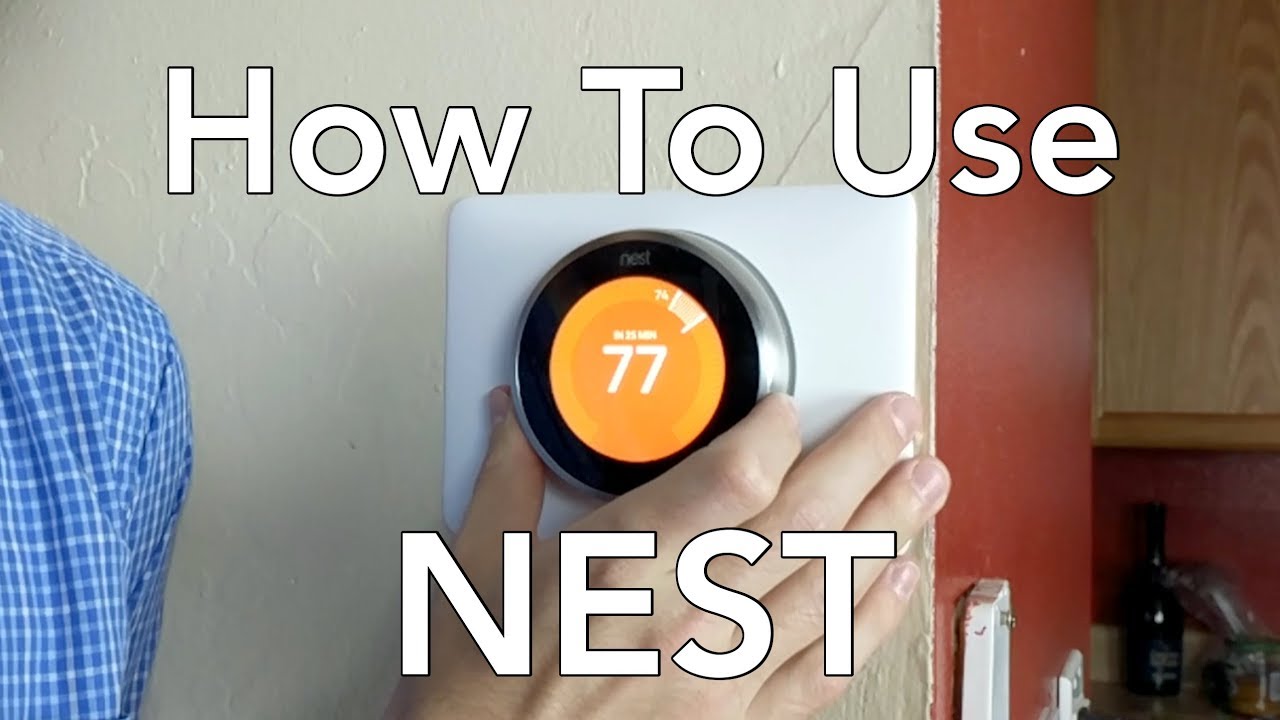
Does Nest have a camera or microphone
When the microphone is on, your Nest camera's microphone picks up sound in the area around your camera. If your camera has event video history or 24/7 video history, your camera's audio is recorded in your video history as long as the microphone is on. When the microphone is off, audio is not streamed or recorded.
Does the Nest Thermostat have camera
Your Google Nest Hub Max comes with a built-in Nest Cam. You can use the Nest Cam to check in on your home when you're away with the live view functionality and alerts when activity is detected.
Can Google Nest thermostat record video
They can still record video and store it locally when the Wi-Fi or internet goes out, and then upload it to the cloud when reconnected. However, because they don't have a backup battery, they won't record and save video locally when the power goes out.
How do I turn off the camera on my Nest Thermostat
Camera settingsOpen the Nest app .On the home screen, select your camera.Tap Settings .Tap the switch next to "Camera On/Off."
How do you know if Nest is recording
Still, you can tell if someone's watching a Nest Cam's live feed by looking to see if the camera's green LED is flashing. The newest Nest security cameras record a video event whenever they detect motion—regardless of whether there's a paid Nest Aware subscription: Nest Cam (wired)
Do nests have microphones
Google's Nest devices come with microphones that are enabled when you activate Google Assistant. Google says the microphone in Nest devices is turned off by default, and you have to enable Google Assistant during setup to turn on the mic.
Is my Nest thermostat recording me
The thermostat is not watching you in your home, however, so if that's a concern for you, you can rest easy.
How do I get my Nest to record video
If only we could record it and save it though i bet it go viral you do know that you can download. And share video clips from your camera or doorbells video history though. Right. Really yeah how let
Does Nest record video for free
If you have a newer camera like Nest Cam (battery) or Nest Doorbell (battery), you can get up to 3 hours of event video history without a subscription. But for most older Nest camera and doorbell models, you need a Nest Aware subscription to get event video history or 24/7 video history.
How do I know if my Nest camera is on
Look for the light.
Nest Cam is on. Connecting to Wi-Fi. Blinking green means that someone's watching. Blinking blue means that someone's talking through the speaker.
Why does my Nest camera turn on by itself
This is for security reasons. When you leave, there can be a short delay before your camera automatically switches on. It can also switch off a little before you walk in the door.
Can you tell when someone is watching on Nest
Blinking green means that someone's watching. Blinking blue means that someone's talking through the speaker. Clear as day.
Does Nest have monitoring
For people who want an extra layer of security, professional monitoring can help respond to Google Nest Secure alarms. When you subscribe to professional monitoring, a trained agent will confirm that the alarm isn't false by calling you or your emergency contacts. They can also contact the police to respond if needed.
Can Nest thermostat listen to conversations
Your Google Nest/Home speaker is always listening, but you can easily stop it by pressing the button on the back. What will happen if you switch the microphone off Your voice or music will no longer be picked up and processed through Google's servers. However, that means you won't be able to give it commands.
Is Nest always recording
Get a continuous, uninterrupted recording so you can see everything before, during and after an event with Nest Aware Plus. Don't miss a thing. Check in on everything that's happening by upgrading to Nest Aware Plus. You'll get 10 days of 24/7 video history and 60 days of event video history.
Are Nest cameras always on
*The Nest Cam (battery) must be connected to a power source to have 24/7 video history. If your camera is battery powered, it will only have event video history, even if you have a Nest Aware Plus subscription. 24/7 video history is not available for the Nest Doorbell (battery), even with optional wired installation.
Can someone control your Nest thermostat
Anyone who shares access to your home with the Home or Nest app will still be able to change the temperature and settings or unlock your thermostat with the app. You can lock your thermostat in the Settings menu on your thermostat, or with the Home or Nest app.
Why doesn’t my Nest record video
Check the Cables
The first thing to check if your nest cam is not recording is the power cables. This also happens to be one of the more recommended troubleshooting steps on Nest Cams for various other issues. If your nest cam is powered through a wired connection, ensure the power cable is in good condition.
How long does Nest camera save video
Choose from two simple plans: Nest Aware comes with 30 days of event video history, and Nest Aware Plus comes with 60 days of event video history and 10 days of 24/7 video history.
Why can’t i see my camera on Nest
Your camera may be out of range or it may be too close to the router. Try to move your camera closer to your Wi-Fi router or access point, then try connecting your camera to the app again.
Can Nest cameras see at night
Google Nest cameras' night vision uses high-power infrared (IR) LEDs to illuminate the scene when it's dark. When night vision is set to Auto, Nest cameras will wait to switch between normal and night modes only when the light gradually changes. For instance, at dusk or dawn, when the lighting is marginal.
How do you know if a camera is watching you
How Do You Know If a CCTV Security Camera Is OnObserve whether the security camera is moving to see if it is on.Check the status of the LEDs in the IP security cameras.Log in to your security camera software.Use electronic bug detectors.Know if a CCTV is recording from its power indicator.
Is Google Nest Cam always on
You can turn your Google Nest camera or doorbell on or off at any time so that you're always in control of when it streams and records video.
Is Nest camera always on
The makers of the popular Nest Cam admit that it never stops monitoring your home — even after you turn it off.
How do I monitor my Nest Thermostat
Home app controls
and touch and hold your thermostat's tile. Your current and target temperatures will appear in the Home app, just like on your thermostat. If your thermostat doesn't appear in the app, make sure you've added it to your account and fully set it up.


0 Comments