
How do I fix a corrupted operating system?
Summary of the Article
Why is my operating system corrupted? File corruption usually happens when there is an issue during the ‘save’ process. If your computer crashes, the file being saved will likely be corrupted. Another cause might be damaged sections of your hard drive or storage media that might have viruses and malware. What happens when OS is corrupted? A corrupted Windows OS is one of the main factors that must be responsible for a dead computer.
What to do if your system is corrupted? You can try using corrupted file repair software, perform a Check Disk on the hard drive, use the CHKDSK/SFC command, run CHKDSK alternative, change the file format, or use an online file repair tool.
How do I fix a corrupted Windows 10 operating system? You can run the System File Checker tool (SFC.exe) by opening an elevated command prompt. First, run the inbox Deployment Image Servicing and Management (DISM) tool prior to running the System File Checker.
How do I restore my operating system? You can restore it from a system restore point by typing “control panel” in the search box on the taskbar, selecting Recovery, choosing Configure System Restore, and checking if the Turn on system protection option is selected.
What does it mean when a system is corrupted? It means that a data or program file has been altered accidentally by hardware or software failure or on purpose by an attacker, making it unreadable to the hardware or indecipherable to the software.
How do I know if my operating system is corrupted? You can open the command prompt window, type SFC /scannow, and press Enter to check the integrity of Windows system files and repair them if required. Reboot the computer after the process is complete.
How do you check if your system is corrupted? Click Start, type CMD in the search bar, right-click CMD.exe, select Run as Administrator, and in the command prompt window, type SFC /scannow. The system file checker utility will check the integrity of Windows system files and repair them if required.
Will factory reset fix corrupted system files? Factory reset can fix any problems caused by third-party software, system file corruption, system settings changes, or malware. It will put the software back into the same condition as it was when you started it for the first time.
How to repair corrupted Windows 10 using command prompt? Open the command prompt window, type SFC /scannow, and press Enter. The system file checker utility will check the integrity of Windows system files and repair them if required. Reboot the computer after the process is complete.
Questions and Answers
1. Why is my operating system corrupted?
File corruption usually happens when there is an issue during the ‘save’ process. If your computer crashes, the file being saved will likely be corrupted. Another cause might be damaged sections of your hard drive or storage media that might have viruses and malware.
2. What happens when OS is corrupted?
A corrupted Windows OS is one of the main factors that must be responsible for a dead computer.
3. What to do if your system is corrupted?
You can try using corrupted file repair software, perform a Check Disk on the hard drive, use the CHKDSK/SFC command, run CHKDSK alternative, change the file format, or use an online file repair tool.
4. How do I fix a corrupted Windows 10 operating system?
You can run the System File Checker tool (SFC.exe) by opening an elevated command prompt. First, run the inbox Deployment Image Servicing and Management (DISM) tool prior to running the System File Checker.
5. How do I restore my operating system?
You can restore it from a system restore point by typing “control panel” in the search box on the taskbar, selecting Recovery, choosing Configure System Restore, and checking if the Turn on system protection option is selected.
6. What does it mean when a system is corrupted?
It means that a data or program file has been altered accidentally by hardware or software failure or on purpose by an attacker, making it unreadable to the hardware or indecipherable to the software.
7. How do I know if my operating system is corrupted?
You can open the command prompt window, type SFC /scannow, and press Enter to check the integrity of Windows system files and repair them if required. Reboot the computer after the process is complete.
8. How do you check if your system is corrupted?
Click Start, type CMD in the search bar, right-click CMD.exe, select Run as Administrator, and in the command prompt window, type SFC /scannow. The system file checker utility will check the integrity of Windows system files and repair them if required.
9. Will factory reset fix corrupted system files?
Factory reset can fix any problems caused by third-party software, system file corruption, system settings changes, or malware. It will put the software back into the same condition as it was when you started it for the first time.
10. How to repair corrupted Windows 10 using command prompt?
Open the command prompt window, type SFC /scannow, and press Enter. The system file checker utility will check the integrity of Windows system files and repair them if required. Reboot the computer after the process is complete.
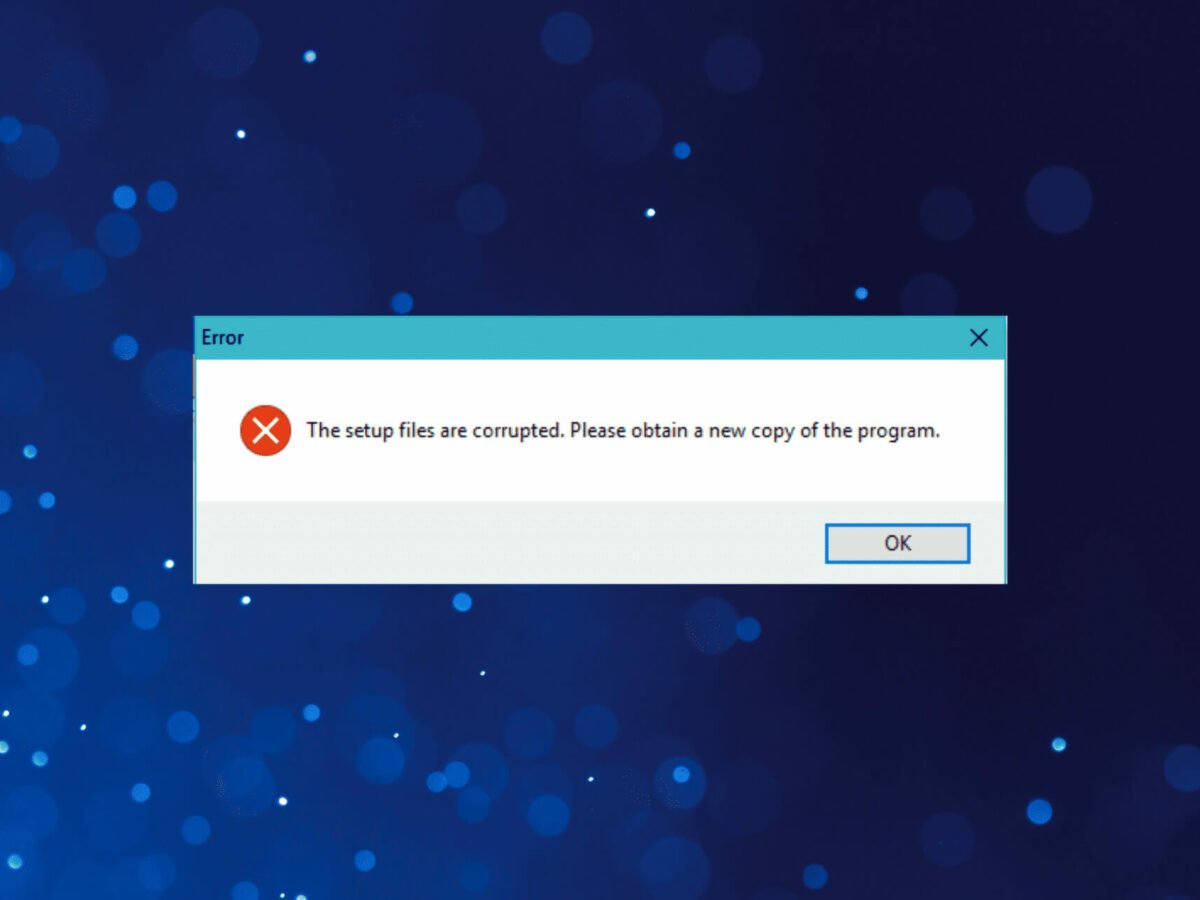
Why is my operating system corrupted
How does a Windows file become corrupted File corruption usually happens when there is an issue during the 'save' process. If your computer crashes the file being saved will likely be corrupted. Another cause might be damaged sections of your hard drive or storage media that might have viruses and malware.
What happens when OS is corrupted
What Is a Corrupted Windows OS (Symptoms) A crash, or system corruption, occurs when a computer program such as a software application or an operating system stops functioning properly and exits. At most times, a corrupted Windows OS is one of the main factors that must be responsible for a dead computer.
Cached
What to do if your system is corrupted
Fix 1. Corrupted File Repair Software Free Download1.Fix 2. Perform a Check Disk on the Hard drive.Fix 3. Use the CHKDSK/SFC Command.Fix 4. Run CHKDSK Alternative.Fix 5. Change the File Format.Fix 6. Use an Online File Repair Tool.
How do I fix a corrupted Windows 10 operating system
Run the System File Checker tool (SFC.exe)Open an elevated command prompt. To do this, do the following as your appropriate:If you are running Windows 10, Windows 8.1 or Windows 8, first run the inbox Deployment Image Servicing and Management (DISM) tool prior to running the System File Checker.
How do I restore my operating system
Restore from a system restore pointIn the search box on the taskbar, type control panel, and then choose it from the list of results.In the Control Panel search box, type recovery.Select Recovery > Configure System Restore > Configure and see if the Turn on system protection option is selected.
What does it mean when a system is corrupted
A data or program file that has been altered accidentally by hardware or software failure or on purpose by an attacker. Because the bits are rearranged, a corrupted file is either unreadable to the hardware or, if readable, indecipherable to the software.
How do I know if my operating system is corrupted
In the command prompt window, type SFC /scannow and press Enter . System file checker utility checks the integrity of Windows system files and repairs them if required. After the process is complete, reboot the computer.
How do you check if your system is corrupted
Click Start.In the search bar, type CMD .Right-click CMD.exe and select Run as Administrator.On the User Account Control (UAC) prompt, click Yes.In the command prompt window, type SFC /scannow and press Enter .System file checker utility checks the integrity of Windows system files and repairs them if required.
Will factory reset fix corrupted system files
Any problems caused by third-party software, system file corruption, system settings changes, or malware should be fixed by resetting your PC. Windows reset will put the software back into the same condition as it was when you started it for the very first time (such as when you purchased the PC).
How to repair corrupted Windows 10 using command prompt
In the command prompt window, type SFC /scannow and press Enter . System file checker utility checks the integrity of Windows system files and repairs them if required. After the process is complete, reboot the computer.
How do I boot into recovery mode Windows 10
Select Start, Power, and then press and hold Shift key while clicking Restart. Select Start, Settings, Update, and Security, Recovery. Under Advanced startup, click Restart now. At the command prompt, run the Shutdown /r /o command.
How do I restore my operating system without a disk
How do I reinstall Windows without a diskGo to "Start" > "Settings" > "Update & Security" > "Recovery".Under "Reset this PC option", tap "Get Started".Choose "Remove everything" and then choose to "Remove files and clean the drive".Finally, click "Reset" to begin reinstalling Windows 10.
Which is most likely the result of a corrupted operating system
There are times when the computer simply does not start. The operating system has become corrupt. Typically, the result is a complete computer crash.
What does corrupt system mean
We define corruption as the abuse of entrusted power for private gain. Corruption erodes trust, weakens democracy, hampers economic development and further exacerbates inequality, poverty, social division and the environmental crisis.
How did my system files get corrupted
Here are a few prominent reasons why your data gets corrupt: Malware attacks and viruses infecting your computer can corrupt your data. Data corruption can also result from improperly saving files. Incorrectly stopping a file relocation process can corrupt whichever file was being moved at that time.
Does factory resetting a computer remove the OS
Factory resets can fix many chronic performance issues (i.e. freezing), but it does not remove the device's operating system.
How do I boot into automatic repair Windows 10
What's up everybody in this video i'm going to show you how to boot into recovery mode on windows 10. Computer. Make sure your computer is shut. Down then press on a power button and wait when it's
What is the command to fix Windows boot
In the command prompt, type in the following commands one after the other:▸ BOOTREC /FIXMBR (this command will fix any corruption issues with the master boot record)▸ BOOTREC /FIXBOOT (this command will attempt to write a new boot sector on the hard disk if Windows detects damage.)
How to recover Windows 10 without boot
Restore without an installation CD:Go to "Start" > "Settings" > "Update & Security" > "Recovery".Under "Reset this PC option", tap "Get Started".Choose "Remove everything" and then choose to "Remove files and clean the drive".Finally, click "Reset" to begin reinstalling Windows 10.
How to repair Windows 10 boot without CD
CD is also not needed for the Windows 10 repair. This can be done by visiting your system's Settings > Update & Security > Recovery. From here, you can click on the "Get Started" button under the "Reset this PC" section. This will allow you to erase everything from your computer or keep the files intact.
How do I get my operating system back
Restore from a system restore pointIn the search box on the taskbar, type control panel, and then choose it from the list of results.In the Control Panel search box, type recovery.Select Recovery > Open System Restore.In the Restore system files and setting box, select Next.
How do I reinstall Windows without USB or disk
Open Start > Settings > Update & security > Recovery.
Under Advanced startup, click Restart now. Windows will reboot into the recovery environment. Then click Troubleshoot. Click Reset this PC, then repeat the same steps as described in Option 2.
What are three common causes of operating systems problems
Typical causes of operating system problems are as follows: corrupted or missing system files. incorrect device driver. failed update or service pack installation.
Does resetting Windows fix corruption
However, all your installed programs and settings will be erased. This ensures you have a fresh system. Any problems caused by third-party software, system file corruption, system settings changes, or malware should be fixed by resetting your PC.
How do I hard reset my Windows computer
To reset your PC, go to Start > Settings > Update & Security > Recovery > Reset this PC > Get Started. Then, select Keep my files, choose cloud or local, change your settings, and set Restore preinstalled apps to No.


0 Comments