
How do you make 360 pictures?
Summary of the article: How do you make 360 pictures?
How do you make 360 pictures on iPhone
Take panoramic photos with your iPhone cameraChoose Pano mode.Tap the Shutter button.Pan slowly in the direction of the arrow, keeping it on the center line.To finish, tap the Shutter button again.
Cached
How do you make a 360-degree picture on your phone
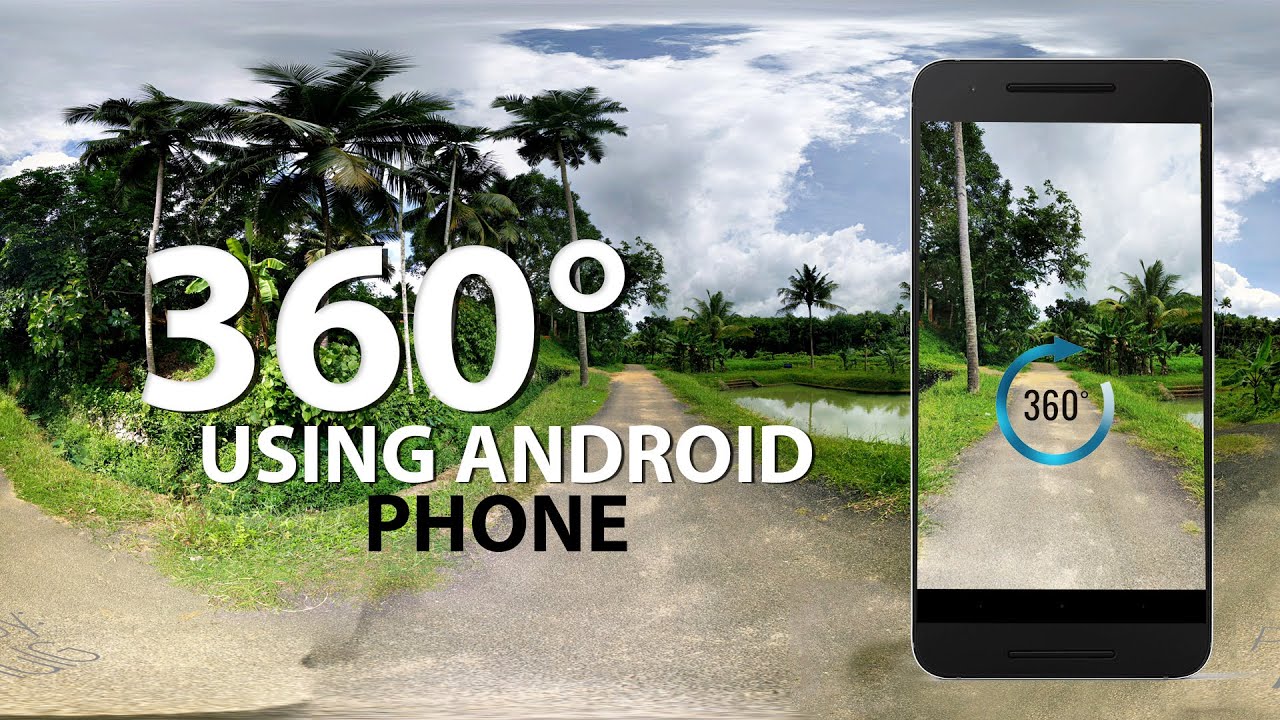
So you take first degree photos there are plenty of apps in the Play Store but the one that really works well is the Google’s Street View app to create a resistivity photo. You open the app then tap
Can my phone take 360 photos
Shooting 360-degree photos with a smartphone is easy. If you own an Android or an iOS device, download the Google Street View app from Google Play or the AppStore, respectively. The process is almost identical in both operating systems.
Cached
Is there an app for 360 photos
Popular Android 360-degree camera apps include:
Google developed the Google Street View software, which enables users to take and share 360-degree pictures and movies of their surroundings. One of the most downloaded 360-degree camera apps on the Google Play Store is Panorama 360.
Is there a 360 app for iPhone
Panorama 360 is the fastest 360 panorama capture available on Appstore. Ever wished to view your iPhone camera captured panoramas in the true way they should be enjoyed. Import your photos through our gallery and instantly view them on the 360-degree viewer. With one more tap and you can share it with the entire world.
Can you film 360 with iPhone
In conclusion, creating a 360-degree video with your iPhone is easy and affordable. With a 360-degree camera attachment, an app, and a little bit of editing, you can create a high-quality 360-degree video that will give your audience an immersive experience.
How do you make a 360 rotating picture
In most cases, it merely involves placing a product on a turntable. You turn the turntable from left to right or vice versa in increments (either manually or automatically) and take a photo each time. Once you complete a rotation, you upload it on a 360 product photography program that animates the images for you.
What is the app 360 photo iPhone
Panorama 360 is the fastest 360 panorama capture available on Appstore. Ever wished to view your iPhone camera captured panoramas in the true way they should be enjoyed. Import your photos through our gallery and instantly view them on the 360-degree viewer. With one more tap and you can share it with the entire world.
What is camera 360 for iPhone
Camera360 is a professional but easy-to use App for photo editing and selfie retouching. You can use Camera360 to edit photo with filters, stickers and make-ups. – Smooth Skin: Swipe over wrinkles, blemishes and smooth skin.
Can iPhone do 360 pictures
So there are so many fun ways to use your camera on your iPhone. But a lot of people just stick with the standard photo. And of course you can do slow motion videos you can do time-lapse. All in the
What is the free 360 photo app for iPhone
Panorama 360 is the fastest 360 panorama capture available on Appstore. Ever wished to view your iPhone camera captured panoramas in the true way they should be enjoyed. Import your photos through our gallery and instantly view them on the 360-degree viewer. With one more tap and you can share it wit
How do you make 360 pictures on iPhone
Take panoramic photos with your iPhone cameraChoose Pano mode.Tap the Shutter button.Pan slowly in the direction of the arrow, keeping it on the center line.To finish, tap the Shutter button again.
Cached
How do you make a 360-degree picture on your phone
So you take first degree photos there are plenty of apps in the Play Store but the one that really works well is the Google's Street View app to create a resistivity photo. You open the app then tap
Can my phone take 360 photos
Shooting 360-degree photos with a smartphone is easy. If you own an Android or an iOS device, download the Google Street View app from Google Play or the AppStore, respectively. The process is almost identical in both operating systems.
Cached
Is there an app for 360 photos
Popular Android 360-degree camera apps include:
Google developed the Google Street View software, which enables users to take and share 360-degree pictures and movies of their surroundings. One of the most downloaded 360-degree camera apps on the Google Play Store is Panorama 360.
Is there a 360 app for iPhone
Panorama 360 is the fastest 360 panorama capture available on Appstore. Ever wished to view your iPhone camera captured panoramas in the true way they should be enjoyed. Import your photos through our gallery and instantly view them on the 360-degree viewer. With one more tap and you can share it with the entire world.
Can you film 360 with iPhone
In conclusion, creating a 360-degree video with your iPhone is easy and affordable. With a 360-degree camera attachment, an app, and a little bit of editing, you can create a high-quality 360-degree video that will give your audience an immersive experience.
How do you make a 360 rotating picture
In most cases, it merely involves placing a product on a turntable. You turn the turntable from left to right or vice versa in increments (either manually or automatically) and take a photo each time. Once you complete a rotation, you upload it on a 360 product photography program that animates the images for you.
What is the app 360 photo iPhone
Panorama 360 is the fastest 360 panorama capture available on Appstore. Ever wished to view your iPhone camera captured panoramas in the true way they should be enjoyed. Import your photos through our gallery and instantly view them on the 360-degree viewer. With one more tap and you can share it with the entire world.
What is camera 360 for iPhone
Camera360 is a professional but easy-to use App for photo editing and selfie retouching. You can use Camera360 to edit photo with filters, stickers and make-ups. – Smooth Skin: Swipe over wrinkles, blemishes and smooth skin.
Can iPhone do 360 pictures
So there are so many fun ways to use your camera on your iPhone. But a lot of people just stick with the standard photo. And of course you can do slow motion videos you can do time-lapse. All in the
What is the free 360 photo app for iPhone
Panorama 360 is the fastest 360 panorama capture available on Appstore. Ever wished to view your iPhone camera captured panoramas in the true way they should be enjoyed. Import your photos through our gallery and instantly view them on the 360-degree viewer. With one more tap and you can share it with the entire world.
Is there a free 360 app
Discover Life360 for free! Download the app today to stay connected with your friends and family and share your location with them using advanced Location Sharing.
Which iPhone is best for 360 photo booth
360 Booth Improvements
Supported iPhones are iPhone 13, 12, 11, SE, X, 8, 7, 6 and their various mini, Pro, and Max models. If you'll be using on a 360 spinner, we highly recommend models with an ulra-wide camera to get a full body shot.
Can you make 360 video with normal camera
If you want to record 360 video of your own, you'll need a special camera made specifically for shooting this type of footage.
How do I rotate my Iphone 360
Open your device's Settings app. . Select Accessibility. Select Auto-rotate screen.
How do I make a rotating image
Rotate a picture or shape a specific amountSelect the picture or shape. This will open the Shape Format or Picture Format ribbon.Select Rotate. Use any of the rotation commands in the list, like Flip Horizontal.Select More Rotation Options and enter the precise amount in the Rotation box.
Do you have to pay for the 360 app
Discover Life360 for free! Download the app today to stay connected with your friends and family and share your location with them using advanced Location Sharing. You'll also have access to two days of Location History as well as two Place Alerts.
Is camera 360 app free
Camera360 Ultimate is one of the best image-editing tools that you can currently find on Android, especially because beyond having an enormous amount of features it is free and very easy to use.
Does 360 work on iPhone
The Life360 app is available for free on both Android and iOS devices.
How do you make a 360 spin image
Steps for Shooting 360 Degree Product ImagesSet up Turntable and Camera. You first want to ensure the turntable is on a flat surface and remains fixed (ex.Place Object in Center of Turntable.Set up Lighting.Shoot 360 Product Images.360 Product Image Editing.Compose 360 Product Image Set to Create a 360 Product View.
What is 360 app on iPhone
Family360 – Specially carved for family/social-group needs. This free app allows you to locate people, with their consent, through their mobile phone and know their location at any time and in real-time. To do so, your protegees will need to have the Family360 app installed.
Can I take a 360 photo with my iPhone
But a lot of people just stick with the standard photo. And of course you can do slow motion videos you can do time-lapse. All in the camera app. And then there are ton of different apps that make
What app do you need for the 360 photo booth
The Touchpix app is a unicorn in the world of 360 photo booth spinners. Our revolutionary platform makes it super simple to switch between using a GoPro camera, iPhone, iPad, Android phone, or Android tablet to produce the most dynamic, most stunning 360 photo booth images and videos.
Can I take a 360 video with my iPhone
In conclusion, creating a 360-degree video with your iPhone is easy and affordable. With a 360-degree camera attachment, an app, and a little bit of editing, you can create a high-quality 360-degree video that will give your audience an immersive experience.
Which type of camera can rotate 360-degree
PTZ security cameras offer rapid panning and tilt speeds, with a continuous 360-degree rotation that enables quick camera movement and focus on different subjects or objects in a surveillance area.


0 Comments