
How can I clean my laptop from viruses for free?
How can I clean my laptop from viruses for free?
If your PC has a virus, following these ten simple steps will help you to get rid of it:
Step 1: Download and install a virus scanner.
Step 2: Disconnect from internet.
Step 3: Reboot your computer into safe mode.
Step 4: Delete any temporary files.
Step 5: Run a virus scan.
Step 6: Delete or quarantine the virus.
How do I know if my laptop has a virus?
Some signs that your laptop may have a virus include:
– Suddenly slow computer performance, meaning it takes a noticeably longer time to start up or open programs.
– Problems unexpectedly shutting down or restarting.
– Missing files.
– Frequent system crashes.
– Frequent error messages.
– Unexpected pop-up windows.
Can you remove viruses from your computer yourself?
The easiest way to remove viruses is by using an antivirus program designed to clean your system safely. If a virus is already on your computer, however, you may need to run this program under very specific conditions.
Should I reset my laptop if I have a virus?
Running a factory reset on a computer is an effective way to clear out a persistent virus or other malware you can’t otherwise remove.
How do I delete all viruses?
To remove a virus from an Android phone:
– Clear your cache and downloads.
– Restart your Android device in safe mode.
– Find and remove malicious apps.
– Activate Google Play Protect.
– Install anti-malware software.
How do I run a virus check on my computer?
To run a quick scan in Windows Security:
– Select Start > Settings > Update & Security > Windows Security.
– Open Windows Security settings.
– Under Current threats, select Quick scan (or in early versions of Windows 10, under Threat history, select Scan now).
How do I know if my laptop has a virus or spyware?
Signs that your laptop may have a virus or spyware include:
– Unexpected pop-up windows.
– Random sounds.
– Unexplained file or folder changes.
– Slow operation.
– Random connections to unknown websites.
– Unexpected images.
– Inability to download antivirus programs or updates.
– Spam sent from your email address or social media.
Where do I take my computer if it’s a virus?
If your computer is infected, you can seek help from Geek Squad. You can chat with an Agent online to see if the problem can be fixed remotely. Alternatively, you can bring your computer to a Best Buy store where an Agent can perform virus and spyware removal.
Can a computer virus ruin your entire computer?
A computer virus can cause damage to programs, delete files, and make devastating changes to your hard drive, all of which can result in reduced performance. In some cases, viruses can even crash your entire system.
Can a virus survive after reset?
In rare cases, viruses may remain after a factory reset. Since viruses are continuously evolving and hackers are finding new ways to invade phones, some malware can avoid detection. It’s important to be aware of these possibilities in case your device becomes infected.
Does resetting all settings get rid of viruses?
In most cases, yes. Viruses are typically embedded in malicious files or apps on your phone, and a factory reset removes all of your data, including these files and apps. However, it’s always a good idea to install antivirus software after resetting to ensure your device remains protected.
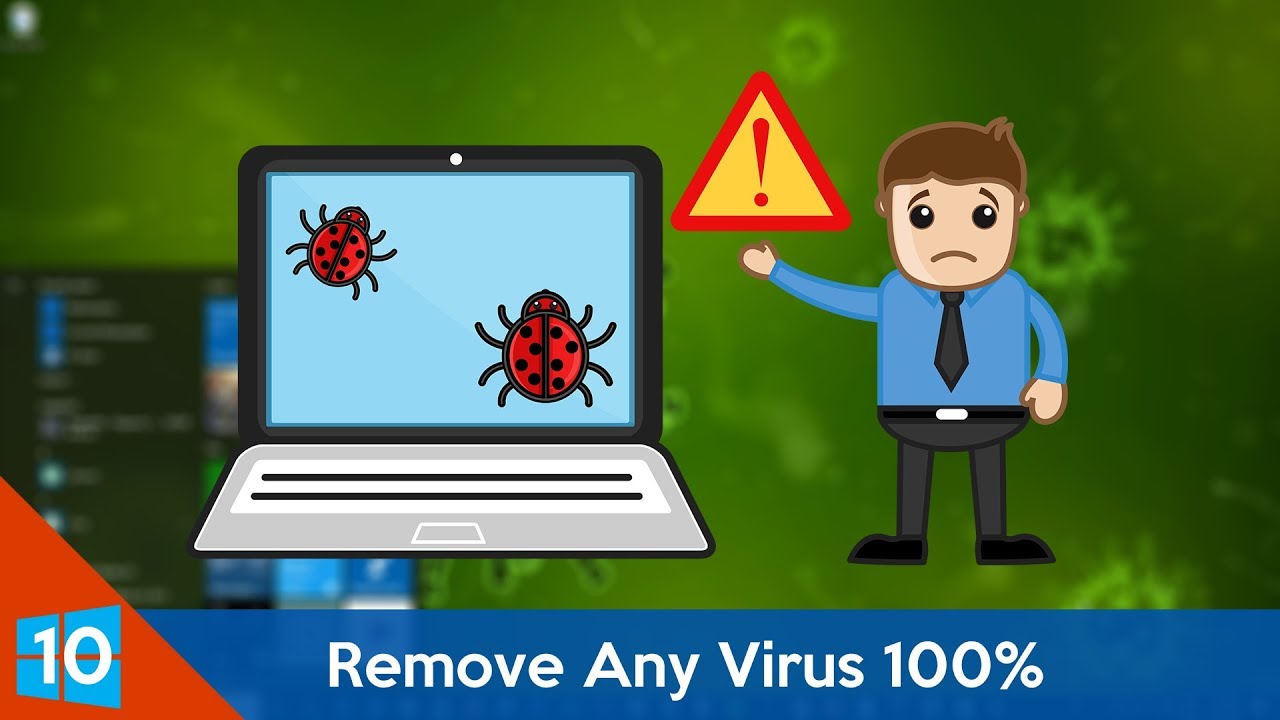
How do I wipe a virus off my laptop
If your PC has a virus, following these ten simple steps will help you to get rid of it:Step 1: Download and install a virus scanner.Step 2: Disconnect from internet.Step 3: Reboot your computer into safe mode.Step 4: Delete any temporary files.Step 5: Run a virus scan.Step 6: Delete or quarantine the virus.
How do I know if my laptop has a virus
How do I tell if my computer has a virusSuddenly slow computer performance, meaning it takes a noticeably longer time to start up or open programs.Problems unexpectedly shutting down or restarting.Missing files.Frequent system crashes.Frequent error messages.Unexpected pop-up windows.
Cached
Can you remove viruses from your computer yourself
The easiest way to remove viruses is by using an antivirus program designed to clean your system safely. If a virus is already on your computer, however, you may need to run this program under very specific conditions.
Cached
Should I reset my laptop if I have a virus
Running a factory reset on a computer is an effective way to clear out a persistent virus or other malware you can't otherwise remove.
How do I delete all viruses
How to remove a virus from an Android phoneClear your cache and downloads. Open Settings, go to Apps & notifications, and select Chrome.Restart your Android device in safe mode.Find and remove malicious apps.Activate Google Play Protect.Install anti-malware software.
How do I run a virus check on my computer
Run a quick scan in Windows SecuritySelect Start > Settings > Update & Security > Windows Security and then Virus & threat protection. Open Windows Security settings.Under Current threats, select Quick scan (or in early versions of Windows 10, under Threat history, select Scan now).
How do I know if my laptop has a virus or spyware
10 signs your computer is infectedUnexpected pop-up windows.Random sounds.Unexplained file or folder changes.Slow operation.Random connections to unknown websites.Unexpected images.Inability to download antivirus programs or updates.Spam sent from your email address or social media.
Where do I take my computer if its a virus
What if your computer is infected Don't panic, Geek Squad is here to help. You can chat with an Agent to see if it can be fixed online by clicking the Chat with an Agent link. You could also bring your computer to Geek Squad in a Best Buy store near you, where an Agent can perform our virus and spyware removal.
Can a computer virus ruin your entire computer
At the same time, the virus is wreaking havoc: it can damage programs, delete files, and make devastating changes to your hard drive, all of which can result in reduced performance. Some viruses will even crash your entire system.
Can a virus survive after reset
Viruses may remain after a factory reset
Since viruses are steadily evolving and hackers are looking for ways to invade phones, some malware can avoid detection. These events are rare, but you should know about them in case they infect your device.
Does resetting all settings get rid of viruses
The short answer is yes, in most cases. Viruses are typically embedded in malicious files or apps on your phone, and since a factory reset removes all of your files it will often remove the offending virus or malware, too.
How do I find hidden viruses on my computer
Open your Windows Security settings. Select Virus & threat protection > Scan options. Select Windows Defender Offline scan, and then select Scan now.
Does deleting a virus work
If you just delete the suspicious file, the malware will probably keep reinstalling itself anyway and continue causing damage to your device. This is not to say that computer viruses cannot be deleted manually—they can, but this is a very complex process that would require a lot of time and effort.
How do you check if your computer has a Virus for free
So every file on your computer to make sure that there are no viruses there so to get started with checking individual files for a virus on our computer the first thing we need to do is open the file
How to check and remove Virus from your computer without using any antivirus
If your PC or laptop has a virus, follow the following simple steps to remove the virus from the laptop.Download and install a virus scanner.Disconnect from the internet.Reboot your computer into safe mode.Delete any temporary filesRun a virus scan.Delete or quarantine the virus.Reboot your computer.
Can a computer with a virus be fixed
Removing a computer virus or spyware can be difficult without the help of malicious software removal tools. Some computer viruses and other unwanted software reinstall themselves after the viruses and spyware are detected and removed.
What does spyware look like on your computer
Unexpected advertising messages or pop-ups (spyware is often packaged with adware). New toolbars, search engines and internet home pages that you don't remember installing. Batteries becoming depleted more quickly than usual. Difficulty logging into secure sites.
How much does it cost to get a virus off your laptop
The average cost of a virus removal at a technology retailer like Best Buy or Staples ranges from $99 to $149, so it's easy to see how the cost of dealing with a virus can quickly grow.
How do I know if my computer has been hacked
How do I know that my computer is hackedFrequent pop-up windows, especially the ones that encourage you to visit unusual sites, or download antivirus or other software.Changes to your home page.Mass emails being sent from your email account.Frequent crashes or unusually slow computer performance.
What is the most common symptom of computer viruses
If you notice any or all these symptoms, your computer might have a virus and you should act:Suddenly slow computer performance, meaning it takes a noticeably longer time to start up or open programs.Problems unexpectedly shutting down or restarting.Missing files.Frequent system crashes.Frequent error messages.
Can a virus explode your PC
Can a virus cause a computer to explode or burst into flames No. There are many stories floating around that a virus can cause a computer to explode or catch fire; they are not valid. Malicious code could damage or cause computer controlled equipment to explode (e.g., Stuxnet destroying the centrifuges).
Do viruses permanently damage your computer
A virus can cause damage to a computer that can take hours to rectify and can cause irreparable damage to your data by either corrupting it or deleting it altogether.
Will the virus go if I reset my laptop
Performing a factory reset is the best way to get rid of viruses, spyware, and other malware. A factory reset will delete everything that wasn't originally installed on the device. This includes any viruses that infected your operating system and files.
How do you tell if a computer has a virus
When checking to see if you have a computer virus, these are the warning signs that will alert you to a problem:Slow device performance.Unfamiliar extensions show up on your web browser toolbars.You suddenly run out of device memory or disk space.Your computer keeps crashing.Your antivirus software gets disabled.
How to check if you have a virus
The best way to check for malware on your phone is to use a mobile security app like free AVG Antivirus for Android. Run a scan. After installing AVG Antivirus, open the app and run an antivirus scan to find malware hidden in your device's system.


0 Comments