
Is there a better reminder app?
Is there a Better Reminder App?
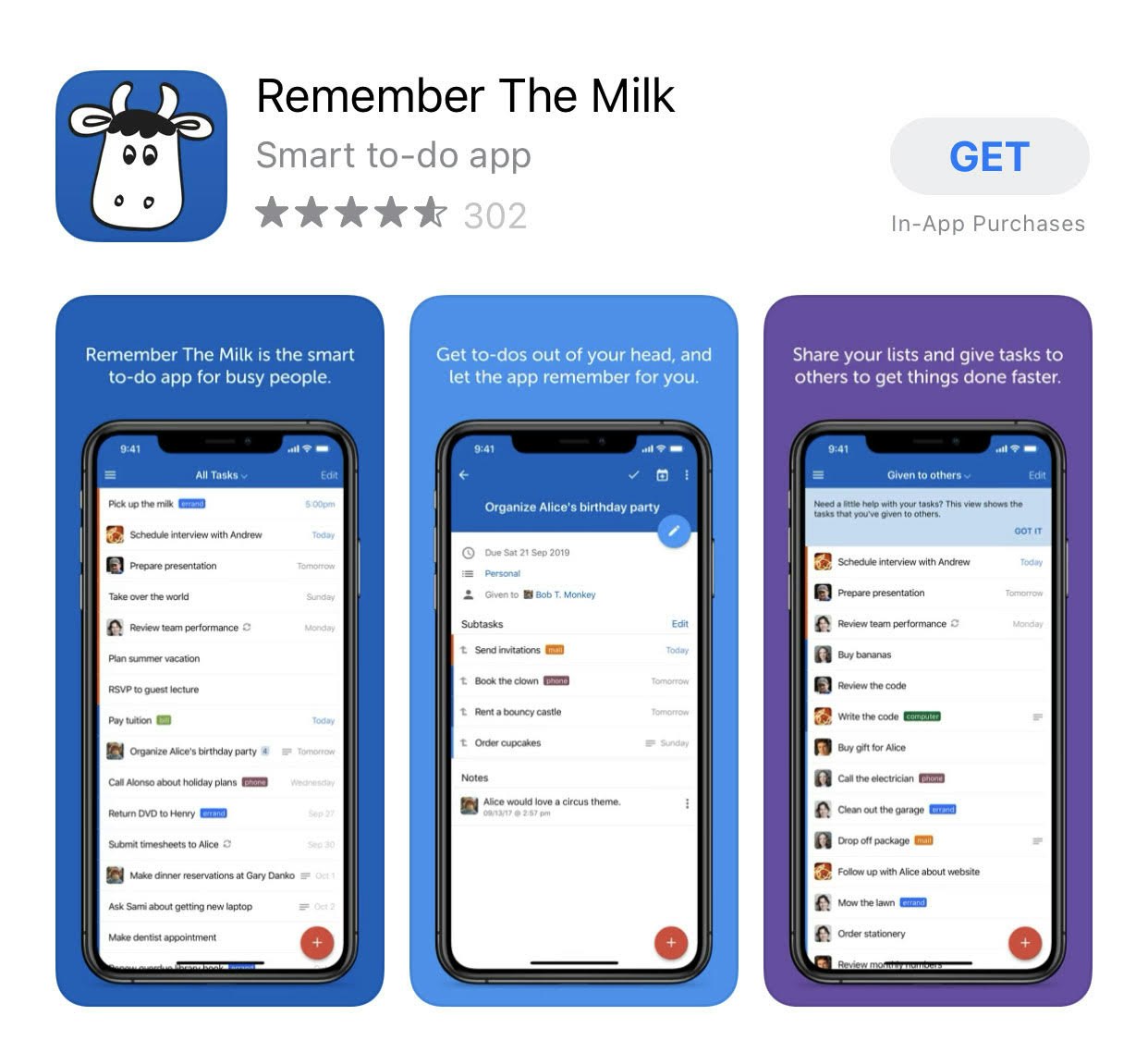
What is the best free app for reminders?
List of Reminder Apps and Software to Help You Out! Todoist. Let’s kickstart the list with Todoist, task manager, and a reminder app with a clean and simple interface loaded with features. Microsoft To-Do. Desktop Reminder. Google Keep. TickTick. Remember the Milk. BZ Reminder. Capsicum.
Is there an app for daily reminders?
Remember effortlessly.
“I like this app, it has all the features I need, sends just enough reminders and alerts but not too many.” “Best app for reminders and alerts.”
Is there a free reminder app for iPhone?
do’s smart reminders for iPhone. Set one-time, recurring, or location-based reminders to effortlessly meet your deadlines. Get Started – It’s Free!
How do I get my reminders to remind me every day?
Create a reminderOpen the Google Calendar app. In the bottom right, tap Create. Reminder. Enter your reminder or choose a suggestion. Select a date, time, and frequency. In the top right, tap Save. The reminder appears in the Google Calendar app. When you mark a reminder as done, it’s crossed out.
What are the pros and cons of Remind app?
Pros: Translation into over 70 languages. Easily share files and links with caregivers. Cons: Adults not confident with tech might struggle, not all resources are readily accessible, and message length in the free version is limited.
Is there a free automatic text reminder app?
Top 10 Free Appointment Reminder Software in 2023: YouCanBook.me, Text-Em-All, Acuity Scheduling, GReminders, Doodle, SimpleTexting, Boomerang for Gmail, ReminderCall.
How do I get daily reminders on my phone?
Manage your reminder notifications. Open your phone’s Settings app. Tap Apps & notifications. Notifications. Tap your Google app. Turn Reminders on or off.
Is there an app that times random reminders?
Let’s take a brief look at each ‘remind me app’: nTask. nTask is one of the top free reminder apps for web, iOS, and Android devices. Wunderlist. To-Do Reminder with Alarm. Todoist. ClickUp. BZ Reminder. Google Keep. Microsoft To-Do.
What is the best way to use Reminders on iPhone?
You can also add reminders to your most important to-do lists from the Reminders widget on your Home Screen. Set a due date. Tap the Date and Time button to set a due date for the reminder. Add a location. Tap the Location button to assign a notification based on where you are. Add a tag. Flag a reminder. Add an attachment.
What happened to Reminders on iPhone?
Setting issues: It’s also possible that your iPhone reminders have disappeared because you’ve turned off the Reminders app sync option in your Settings. If it is, turn the Reminders app back on, and you should see your reminders reappear.
How do I make my iPhone Reminders pop up every day?
So you might be in a position where you want to set up a daily reminder on your iPhone. Now there’s a few different ways to do this: you can do this within Siri or you can do this within the reminders.
How do I get daily reminders on my phone?
Manage your reminder notif
What is the best free app for reminders
List of Reminder Apps and Software to Help You Out!Todoist. Let's kickstart the list with Todoist, task manager, and reminder app with a clean and simple interface loaded with features.Microsoft To-Do.Desktop Reminder.Google Keep.TickTick.Remember the Milk.BZ Reminder.Capsicum.
Is there an app for daily reminders
Remember effortlessly
“ I like this app, it has all the features I need, sends just enough reminders and alerts but not too many. ” “ Best app for reminders and alerts. ”
Is there a free reminder app for iPhone
do's smart reminders for iPhone. Set one-time, recurring or location-based reminders to effortlessly meet your deadlines. Get Started – It's Free!
How do I get my reminders to remind me everyday
Create a reminderOpen the Google Calendar app .In the bottom right, tap Create. Reminder.Enter your reminder, or choose a suggestion.Select a date, time, and frequency.In the top right, tap Save.The reminder appears in the Google Calendar app. When you mark a reminder as done, it's crossed out.
What are the pros and cons of Remind app
Pros: Translation into over 70 languages. Easily share files and links with caregivers. Cons: Adults not confident with tech might struggle, not all resources are readily accessible and message length in free version is limited.
Is there a free automatic text reminder app
Top 10 Free Appointment Reminder Software in 2023YouCanBook.me.Text-Em-All.Acuity Scheduling.GReminders.Doodle.SimpleTexting.Boomerang for Gmail.ReminderCall.
How do I get daily reminders on my phone
Manage your reminder notificationsOpen your phone's Settings app.Tap Apps & notifications. Notifications.Tap your Google app .Turn Reminders on or off.
Is there an app that times random reminders
Let's take a brief look at each 'remind me app':nTask. nTask is one of the top free reminder app for web, iOS, and Android devices.Wunderlist.To-Do Reminder with Alarm.Todoist.ClickUp.BZ Reminder.Google Keep.Microsoft To-Do.
What is the best way to use Reminders on iPhone
You can also add reminders to your most important to-do lists from the Reminders widget on your Home Screen.Set a due date. Tap the Date and Time button to set a due date for the reminder.Add a location. Tap the Location button to assign a notification based on where you are.Add a tag.Flag a reminder.Add an attachment.
What happened to Reminders on iPhone
Setting issues: It's also possible that your iPhone reminders have disappeared because you've turned off the Reminders app sync option in your Settings. If it is, turn the Reminders app back on, and you should see your reminders reappear.
How do I make my iPhone Reminders pop up everyday
So you might be in a position where you want to set up a daily reminder on your iphone. Now there's a few different ways to do this you can do this within siri or you can do this within the reminders.
How do I get daily Reminders on my phone
Manage your reminder notificationsOpen your phone's Settings app.Tap Apps & notifications. Notifications.Tap your Google app .Turn Reminders on or off.
What is a cons with Remind app
Pros: Translation into over 70 languages. Easily share files and links with caregivers. Cons: Adults not confident with tech might struggle, not all resources are readily accessible and message length in free version is limited.
What are the limitations on Remind
Remind Hub
When you send a text message that exceeds 600 characters, it will include a link that allows the recipient to view the entire message. The link will expire after 30 days. When you've reached the character limit for your message, you'll see a red number indicating how many characters you've gone over.
How do I turn a text into a reminder
Set a reminder for a messageOpen the Messages app .Go to the message you want to set a reminder for.Tap and hold the message.Tap Reminder .Choose an option.
What is the reminder app that sends texts
DialMyCalls offers its easy-to-use app to send reminder texts for iOS and Android devices – quickly send group reminder text messages to contact lists right from your phone. Over 40,000+ Organizations Rely On Us To Deliver Millions Reminder Text Messages!
How do I use reminders effectively on my iPhone
Because this is a big new feature in ios 16 that allows you to save any list as a template. And you're also able to share it with others. So if i go into let's just say i go to my youtube. Videos.
How do I set random reminders on my iPhone
Go to the Settings screen and tap the 'Reminders'.Switch on random reminders and set the period that you want to receive them.In addition to random reminders (or as an alternative to them), you can set a reminder for the same time every day.Learn More.
How do I make my Iphone reminders pop up everyday
So you might be in a position where you want to set up a daily reminder on your iphone. Now there's a few different ways to do this you can do this within siri or you can do this within the reminders.
How do I set random reminders on my Iphone
Go to the Settings screen and tap the 'Reminders'.Switch on random reminders and set the period that you want to receive them.In addition to random reminders (or as an alternative to them), you can set a reminder for the same time every day.Learn More.
What is the difference between the reminder app and the notes app
Develop a trigger for your brain. Whereas the Notes app is filled with summaries and lists such as potential ideas and benefits of creativity exercises, the Reminders app is more straightforward. A simple notification — a reminder — is all that is required.
Why don’t my Reminders work anymore
Make sure app notifications are enabled. On Android, you can turn off notifications for each app individually. Check to be sure you didn't accidentally turn off notifications or change the permission settings for the Google Reminders app.
Why don t Apple Reminders work
If a reminder isn't showing up on some of your devices, make sure that your iPhone and iPad have the latest version of iOS or iPadOS, or that your Mac has the latest version of macOS. Make sure that you're signed in to iCloud with the same Apple ID on all of your devices.
How do I get the best out of Apple Reminders
So, read on to learn neat tips that will help you have the best experience with Apple Reminders.Add a Location to a Reminder.Add URLs and Notes to a Task.Organize Reminders With Subtasks.Use Siri to Create Reminders.Share Reminders With Others.Add a Reminder From Another App or Safari.Try the "When Messaging" Feature.
Can everyone see if I text on Remind
An individual message is a conversation between you and one other participant. You and the participant are the only people who can see the message.


0 Comments