
How can I make my Vodafone signal better?
as intended. If you’re experiencing issues with your network signal, there are several ways to improve it. Here are 15 questions and detailed answers to help you make your Vodafone signal better:
1. How can I boost my Vodafone network signal?
To boost a device, open your Vodafone Broadband app, choose Device Boost on the Dashboard, select the device you want to boost, and set the desired boost duration.
2. Why is Vodafone signal so low?
A low signal could be due to incidents or network maintenance. If you’re in an area with poor signal, you can use WiFi calling instead.
3. How do I fix poor network signal?
Try toggling Airplane Mode on and off, as this can help refresh your network connection.
4. How can I improve my signal strength?
Ensure there are no obstructions between your phone and the nearest cell towers. Stay away from metal objects and concrete walls, and remove your phone case if necessary.
5. Which APN should I use for Vodafone?
For Pay monthly customers, use the APN “wap.vodafone.co.uk.” For Pay as you go customers, use “pp.vodafone.co.uk.”
6. Do Vodafone signal boosters work?
WiFi boosters can improve your signal, but their effectiveness depends on various factors, such as your internet speed and the distance from your router.
7. Why is Vodafone 5G slow?
During network congestion, your 5G Home Internet Plan may experience slower speeds. This is part of Vodafone’s Fair Use Policy.
8. What happens when you dial *3370#?
Dialing *3370# can activate your phone’s reserve battery power, potentially increasing battery life by 50% and boosting cellular reception.
9. What is the code for boosting network signal?
In Android, the code is *#*#7262626#*#*. Knowing this code can help you decide whether to install a signal boosting system.
10. How can I improve my mobile signal strength?
You can try restarting your phone, turning airplane mode on and off, updating the system, using your phone near windows, and removing your phone case. Additionally, switching between 3G and 4G and checking your battery level may help.
11. Which APN is better?
There is no definitive “best” APN setting. Each cellular carrier provides its own APN settings, which should download automatically to your phone if you have Android 8.0 or newer.
12. Can I use a signal booster for Vodafone?
Yes, you can use a signal booster specifically designed for Vodafone to enhance your network signal.
13. How can I report a signal issue to Vodafone?
You can report signal issues by contacting Vodafone customer support through their helpline or online channels.
14. Can changing the band frequency improve my Vodafone signal?
Changing the band frequency might improve your signal in certain cases, but it requires technical knowledge and may not be applicable to all devices or locations.
15. Are there any apps that can boost my Vodafone signal?
There are various apps available in app stores that claim to boost network signals, but their effectiveness can vary. It’s recommended to research and read reviews before using such apps.
By following these tips and suggestions, you can potentially improve your Vodafone network signal and enjoy better connectivity on your devices.
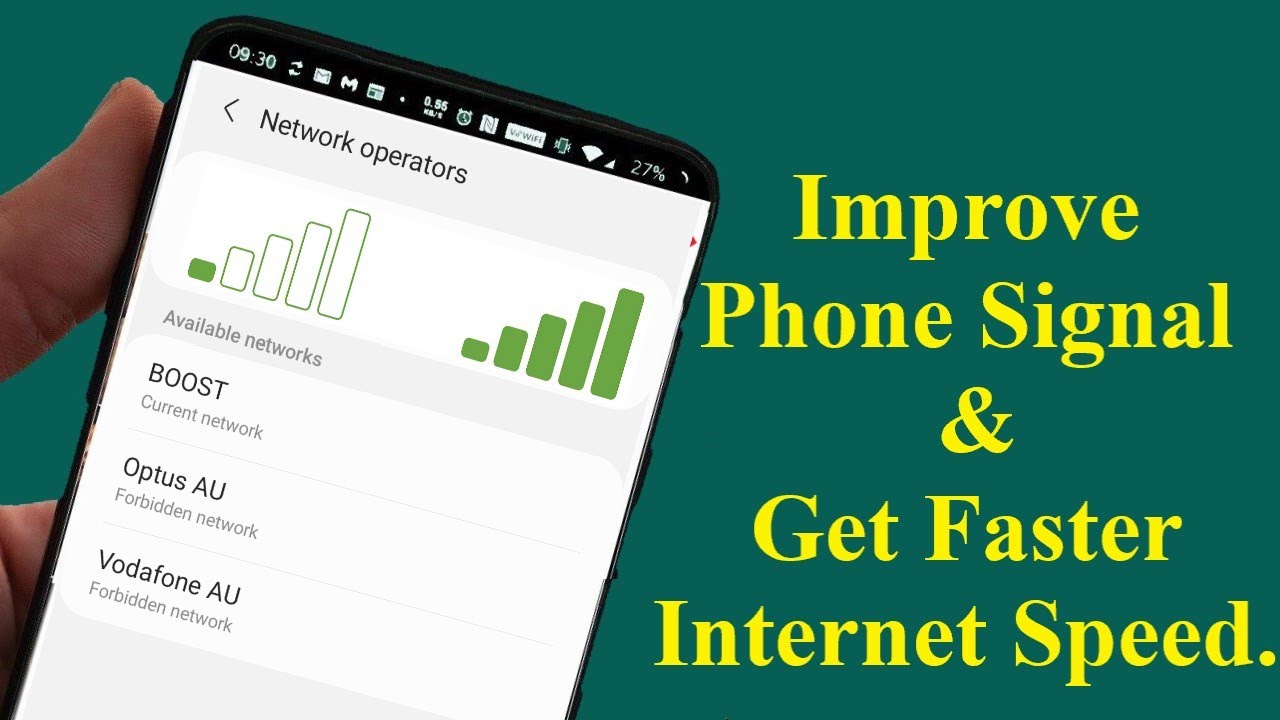
How can I boost my Vodafone network signal
To boost a device:Open your Vodafone Broadband app.On the Dashboard, choose Device Boost under the Connected devices tile.Choose the device you want to boost from the list of connected devices.Set how long you want to boost for.
Why is Vodafone signal so low
First, check whether there's an incident or any maintenance happening on our network. This might be what's weakening your signal. If you're somewhere with bad signal or reception and you need to make or take calls, you can always use WiFi instead. WiFi Calling is free to set up and won't cost you anything extra to use.
How do I fix poor network signal
Toggle Airplane Mode or Reboot Your Phone
That would kill your battery. So, sometimes (and especially if you're moving), it may be holding on to an old idea of network availability. The quickest way to fix this is to toggle airplane mode on, wait about 10 seconds, and then turn it off again.
How can I improve my signal strength
Move yourself so that there are no obstructions between your phone and any cell towers outside. That might involve stepping away from metal objects or concrete walls, which both kill reception. Instead, get to a window or go outside if possible. Remove your phone case.
Which APN should I use for Vodafone
Use the following settings: Name: Vodafone internet. APN (Pay monthly customers) – wap.vodafone.co.uk. APN (Pay as you go customers) – pp.vodafone.co.uk.
Do Vodafone signal boosters work
WiFi boosters do work but their effectiveness depends on some factors: The speed of your internet: If your signal is slow in the room the router is located in, a booster won't be able to fix this, and you may need a faster plan. The distance from your router: Each booster will have a WiFi range it can extend to.
Why is Vodafone 5G slow
Network Congestion
During periods of congestion, 5G Home Internet Plans may be subject to data de-prioritisation in order to manage the traffic on the Vodafone Network, and you may experience slower speeds than the speeds experienced using our other 5G services. Fair Use Policy applies.
What happens when you dial * 3370
Hidden Battery Power / Boost Signal Strength
By pressing *3370# or #3370#, you'll activate your phone's “reserve battery power”. Battery life will increase by 50%. The reserve will automatically charge up the next time you change your device. Other claims state dialing the same sequence will boost cellular reception.
What is the code for boosting network signal
Android code: *#*#7262626#*#*
Knowing this is helpful in deciding whether or not to install a signal boosting system.
How can I improve my mobile signal strength
How to increase network signal strength in AndroidRestart your phone.Turn off Airplane mode and on again.Update the system.Open the windows.Use your phone in another place.Remove case or cover.Switch between 3G/4G.Check whether the battery is low.
Which APN is better
There aren't any best APN settings. Each cellular carrier provides its own APN settings, which should download to your phone automatically, provided you have an Android 8.0 or newer phone. After a two-tap installation process, you should have both MMS and data functioning without a problem.
What should I put in APN type
APN type: Generic, SUPL, MMS, and WAP are the four different APN types. Generic should be used if there are problems when you're setting up these options. MMSC (see Multimedia Messaging Service): is only necessary if you're using MMS. It's a requirement on most MVNOs (see Mobile Virtual Network Operators) that use MMS.
What is Vodafone booster
A WiFi booster is a device that extends your WiFi signal across your home. This is great if you have areas within your home which have a weaker signal. To extend your signal, a booster is placed in between a 'dead zone' (an area with weak signal) and the router.
What signal does Vodafone use
5G aside, for the most part Vodafone just uses standard 4G, which is around 5 times faster than a typical 3G network. However, it's also rolled out LTE Advanced in select locations, which is typically 20 times faster than a standard 3G network.
Why is LTE so slow on my 5G phone
Why is my 5G so slow 5G rollout promised speeds 600 times faster than 4G networks. But, 5G connections are often slow due to less dedicated bandwidth for 5G networks vs. 4G or LTE networks, which are still more widely used.
Why is my 5G full signal so slow
Technically. So, why are some 5G connections so slow The first, and most impactful, reason is that the far-reaching 5G signals that have powered the vast majority of carrier rollouts in the US – especially from AT&T and, to a lesser extent, T-Mobile – have used low-band carrier frequencies.
What does * * 4636 * * do
Android code: *#*#4636#*#*
This code will open up a menu that shows information about your phone's data usages. Here's how you can retrieve deleted text messages on your iPhone.
What is *# 9900
*#9900# Opens up system dump mode.
How can I boost my cell phone signal for free
How to Boost Cell Signal for FreeToggle Airplane Mode / Restart Your Phone.Use WiFi Calling.Go Outside.Remove Obstructions.Change Your Location.Ensure Phone Software and Carrier Settings are Up to Date.Keep Your Phone Charged.Check for Damage to Your Phone.
Is there a signal booster
A cell booster (also known as a signal extender, signal amplifier, or cell phone repeater) works by pulling in your existing outside signal, boosting it, and rebroadcasting it into desired areas. Cellular devices automatically pick up the amplified signal.
What is the APN for LTE
APN stands for Access Point Name. This is a kind of Gateway (or Anchoring point) to which your UE (Mobile Phone) get attached to get access to the core network for most of the data service.
How do I set my APN for data services
Here's how to change APN settings on an Android mobile phone.From the home screen, tap the Menu button.Tap Settings.Tap Mobile networks.Tap Access Point Names.Tap the Menu button.Tap New APN.Tap the Name field.Enter Internet, then tap OK.
Where should I put my Vodafone booster
Shown. Now plug the power supply of your super wifi booster into the mains. Then connect the power. Lead then wait until the front light is flashing. White. If you can't see the super wi-fi tile.
What does LTE booster do
In A Nutshell, A Cell Phone Reception Booster can
Boost the 4G LTE, 3G or 2G voice signal in a building, vehicle or remote location. Enhance the internet speed, text, and connection quality when talking on the telephone.
How do I check my Vodafone signal strength
Use our Network Status Checker to find out how our network's performing where you are – including up-to-date information on anything going on that might affect your signal. Simply enter your location or postcode and choose what type of service you want to check.


0 Comments