
Does Nest save recordings?
Does Google Nest save recordings?
All Google Nest cameras and doorbells can upload and securely save video in the cloud, where it’s protected from theft and damage. Once your camera’s video is safely uploaded, you can access it anytime.
How long does Nest keep recordings?
Choose from two simple plans: Nest Aware comes with 30 days of event video history, and Nest Aware Plus comes with 60 days of event video history and 10 days of 24/7 video history.
Are Nest cameras always recording?
With 24/7 video history, an eligible* Nest camera streams video whenever it’s on and saves it all in the cloud.
Where do I see my Nest recordings?
Find your camera’s video history. Open the Nest app. On the home screen, select your camera. Your camera’s video history will appear below the live video stream.
Does Google Nest delete footage?
Nest Aware video history will be deleted at the end of your last billing period, or if you remove all cameras from your account. 1st gen Nest Aware video history and snapshots are erased if you remove a camera from your account, or if you cancel your subscription.
Is Google Home constantly recording?
Is my Google Nest device recording all of my conversations? No. You can learn more about how Google Assistant protects your privacy and gives you transparency, choice, and control.
How far does Nest go back?
Stay in the loop, even after it’s happened. With event-based video history, you can go back and check in on important video events for up to 30 or 60 days, depending on your plan. See and save just the highlights.
Does Nest delete video?
Video history is deleted when you remove a camera from the app or cancel a Nest Aware subscription. Nest Aware video history will be deleted at the end of your last billing period, or if you remove all cameras from your account.
Can you tell if someone is watching a Nest camera?
Nest Cam is on. Connecting to Wi-Fi. Blinking green means that someone’s watching. Blinking blue means that someone’s talking through the speaker.
Does Google Nest record everything you say?
Is my Google Nest device recording all of my conversations? No. You can learn more about how Google Assistant protects your privacy and gives you transparency, choice, and control.
How do I recover my Nest video history?
Once your video history and snapshots are deleted, they cannot be recovered. We do not keep backups. Keep in mind that this only affects the camera you selected. Your other cameras will keep their video history and snapshots.
How do I retrieve old Nest videos?
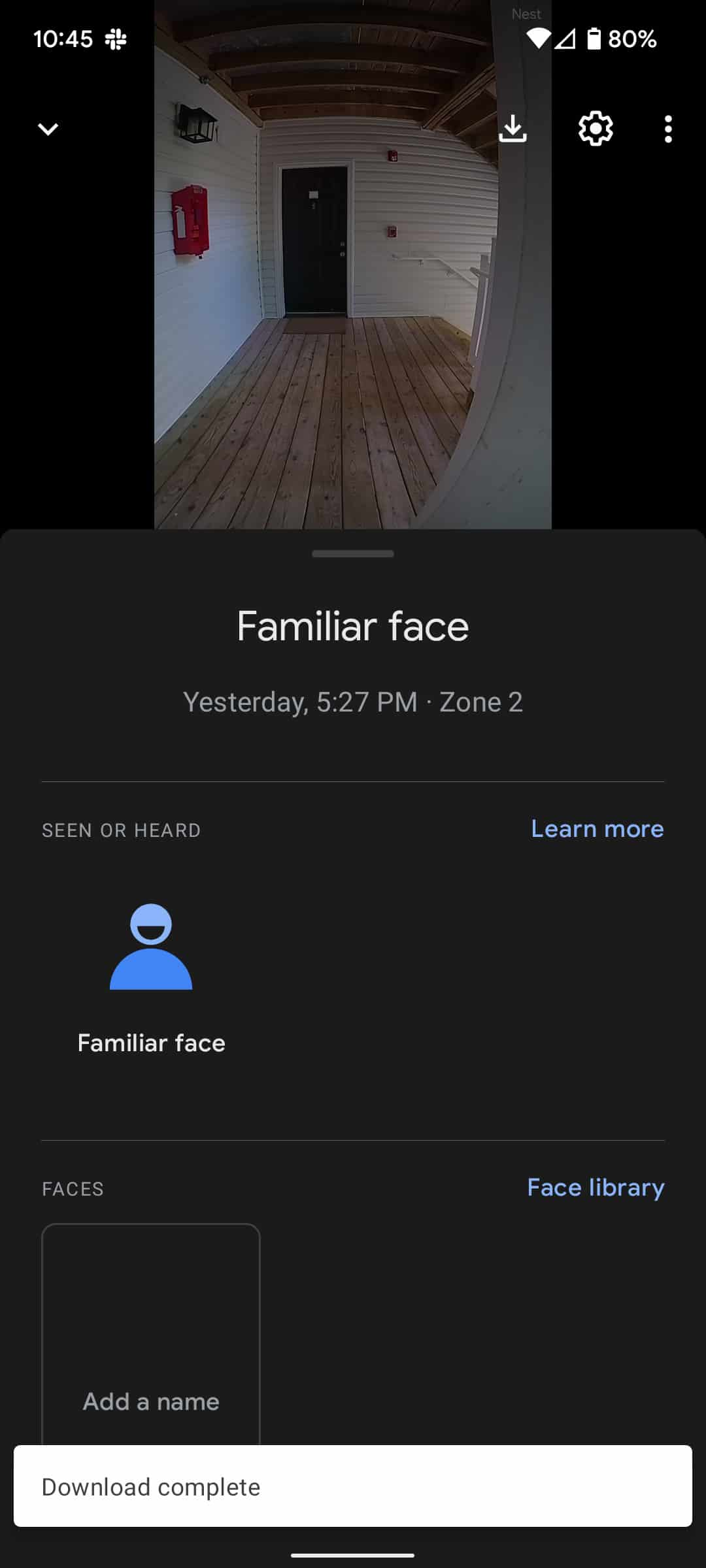
Viewing Google Nest Doorbell and Nest Camera video recordings. On your device, open the Google Home app. In the device list, tap your Nest Camera or Nest Doorbell. At the bottom left, tap History.
Does Google Nest save recordings
All Google Nest cameras and doorbells can upload and securely save video in the cloud, where it's protected from theft and damage. Once your camera's video is safely uploaded, you can access it anytime.
How long does Nest keep recordings
Choose from two simple plans: Nest Aware comes with 30 days of event video history, and Nest Aware Plus comes with 60 days of event video history and 10 days of 24/7 video history.
Are Nest cameras always recording
With 24/7 video history, an eligible* Nest camera streams video whenever it's on and saves it all in the cloud.
Where do I see my Nest recordings
Find your camera's video historyOpen the Nest app.On the home screen, select your camera.Your camera's video history will appear below the live video stream.
Does Google Nest delete footage
Nest Aware video history will be deleted at the end of your last billing period, or if you remove all cameras from your account. 1st gen Nest Aware video history and snapshots are erased if you remove a camera from your account, or if you cancel your subscription.
Is Google Home constantly recording
Is my Google Nest device recording all of my conversations No. You can learn more about how Google Assistant protects your privacy and gives you transparency, choice and control.
How far does Nest go back
Stay in the loop, even after it's happened. With event-based video history, you can go back and check in on important video events for up to 30 or 60 days, depending on your plan. See and save just the highlights.
Does Nest delete video
Video history is deleted when you remove a camera from the app or cancel a Nest Aware subscription. Nest Aware video history will be deleted at the end of your last billing period, or if you remove all cameras from your account.
Can you tell if someone is watching a Nest camera
Nest Cam is on. Connecting to Wi-Fi. Blinking green means that someone's watching. Blinking blue means that someone's talking through the speaker.
Does Google Nest record everything you say
Is my Google Nest device recording all of my conversations No. You can learn more about how Google Assistant protects your privacy and gives you transparency, choice and control.
How do I recover my Nest video history
Once your video history and snapshots are deleted, they cannot be recovered. We do not keep backups. Keep in mind that this only affects the camera you selected. Your other cameras will keep their video history and snapshots.
How do I retrieve old Nest videos
Viewing Google Nest Doorbell and Nest Camera video recordingsOn your device, open the Google Home app.In the device list, tap your Nest Camera or Nest Doorbell.At the bottom left, tap History.
Do camera footage get deleted
Generally, security camera footage lasts from three months to one year based on cases. The old footage is deleted automatically to create space for new recordings. Note that each security camera is different and storage space too.
Why can’t I see my Nest history
Your Nest Camera might not be showing history because it may have been accidentally turned off, it may have a poor connection to the internet, or you might have an issue with your subscription.
Is Google Nest recording conversations
Is my Google Nest device recording all of my conversations No. You can learn more about how Google Assistant protects your privacy and gives you transparency, choice and control.
Is Google Nest always listening
Mute the Microphone
Your Google Nest/Home speaker is always listening, but you can easily stop it by pressing the button on the back. What will happen if you switch the microphone off Your voice or music will no longer be picked up and processed through Google's servers.
How much does a Nest really save
Based on typical energy costs when the studies were conducted, we estimated average savings of $131 to $145 a year. Read more in our energy savings white paper . And the energy-saving smarts from the Nest Learning Thermostat are in every thermostat we make. So it's simple: Nest thermostats can help you save.
How do I watch past Nest videos
Go to history from the top of the feed tab in home history scroll left or right to switch between different days tap a date to see all the events that happened that day. You can also see your video
How do I save my Nest video history
Follow the steps below to create and download a video clip:Open the Google Home app. .Tap Favorites or Devices .Select your camera.Scroll to an event in your camera's video history timeline. You can also tap Event history.Choose the event you want, then tap Controls.Tap Save clip to save the video clip to your phone.
Does Nest record when camera is off
When your Nest camera is turned off with the Home or Nest app, it won't detect sound or motion, stream live video, or record and save activity. In addition, your camera will stay powered and connected to Wi-Fi when it's switched off.
Can Nest listen to conversations
Mute the Microphone
Your Google Nest/Home speaker is always listening, but you can easily stop it by pressing the button on the back. What will happen if you switch the microphone off
Is Google Nest hub always recording
Like other Nest Cam devices, the Nest Cam built into your Nest Hub Max allows you and members of your household to get a live view of what's happening at home. If enabled in the Nest app, it also includes notifications and continuous recording.
Why can’t I see my nest camera history
Your Nest Camera might not be showing history because it may have been accidentally turned off, it may have a poor connection to the internet, or you might have an issue with your subscription.
Does Google home keep history
Using the Home App, you can check the history of Google Assistant activity. You can also view details on specific activities, or delete them from your history.
Why can’t i see my Nest video history
This is normal. If you have a Nest Aware Plus subscription, after 10 days you'll see gaps in your camera's video history. This is because the app will remove video that contains no activity, so you'll only see video clips of activity.


0 Comments