
Will iPhone 13 have fingerprint?
Will the iPhone 14 have fingerprint?
Hello in this video we’re gonna check if iPhone 14 pro Max has the fingerprint sensor. And to do this we’ll need to open up our settings right here try to find the security tab maybe face ID and
Will iPhone ever bring back fingerprint?
Apple Planning To Bring Back Touch ID On iPhone, But You Will Have To Wait Until 2026. The all-screen iPhone has been a subject of discussion for years now, and the company is gradually working towards it.
What is the price of iPhone 13 fingerprint?
Best Apple Fingerprint Scanner Phones Price List
| Model | Price |
|---|---|
| iPhone 13 Price | ₹ 61,900 |
| iPhone 13 Mini Price | ₹ 64,900 |
| iPhone 14 Price | ₹ 72,990 |
| iPhone 13 Pro Price | ₹ 105,900 |
Why did Apple get rid of fingerprint?
TouchID will eventually be phased out in favor of Face ID, because Apple believes that: It’s faster. It’s more reliable. It can work even when you are wearing gloves, or something else that would interfere with TouchID.
Where is iPhone 13 fingerprint sensor?
There’s no fingerprint sensor underneath the screen, and nothing in the power button or anywhere else on the phone. Just like the iPhone 12, 11, XS, and X that came before it, the iPhone 13 relies solely on Face ID for biometric authentication.
Is Face ID better than Touch ID?
And from a user interface perspective, they both qualify as huge upgrades. However, when you compare the two technologies on iPhones and iPads, it’s clear that Face ID is more convenient. The main reason Face ID comes out ahead is just the fact that you can unlock your device without touching it.
How do I add fingerprint to iPhone 13?
Add a fingerprint
Go to Settings > Touch ID & Passcode.
Tap Add a Fingerprint.
Follow the onscreen instructions.
Why no fingerprint on iPhone 13?
There’s no fingerprint sensor underneath the screen, and nothing in the power button or anywhere else on the phone. Just like the iPhone 12, 11, XS, and X that came before it, the iPhone 13 relies solely on Face ID for biometric authentication.
How do I enable fingerprint on iPhone 13?
Turn on fingerprint recognition
If you didn’t turn on fingerprint recognition when you first set up your iPhone, go to Settings > Touch ID & Passcode.
Turn on any of the options, then follow the onscreen instructions.
Where is iPhone 13 fingerprint located?
There’s no fingerprint sensor underneath the screen, and nothing in the power button or anywhere else on the phone. Just like the iPhone 12, 11, XS, and X that came before it, the iPhone 13 relies solely on Face ID for biometric authentication.
What replaced Touch ID on iPhone 13?
There’s no fingerprint sensor underneath the screen, and nothing in the power button or anywhere else on the phone. Just like the iPhone 12, 11, XS, and X that came before it, the iPhone 13 relies solely on Face ID for biometric authentication.
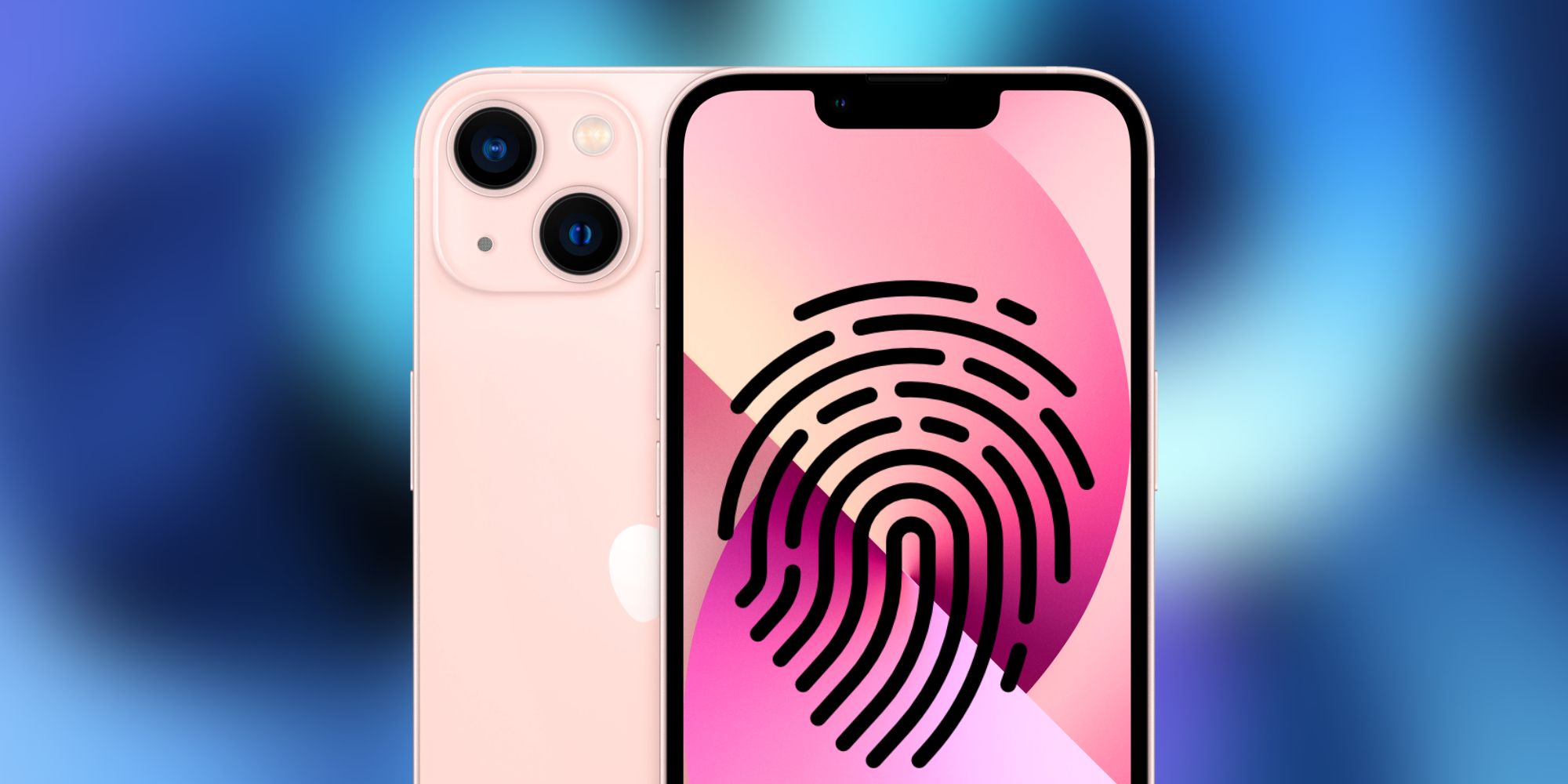
Will the iPhone 14 have fingerprint
Hello in this video we're gonna check if iPhone 14 pro Max has the fingerprint sensor. And to do this we'll need to open up our settings right here try to find the security tab maybe face ID and
Will iPhone ever bring back fingerprint
Apple Planning To Bring Back Touch ID On iPhone, But You Will Have To Wait Until 2026. The all-screen iPhone has been a subject of discussion for years now, and the company is gradually working towards it.
What is the price of iPhone 13 fingerprint
Best Apple Fingerprint Scanner Phones Price List
| Model | Price |
|---|---|
| iPhone 13 Price | ₹ 61,900 |
| iPhone 13 Mini Price | ₹ 64,900 |
| iPhone 14 Price | ₹ 72,990 |
| iPhone 13 Pro Price | ₹ 105,900 |
Why did Apple get rid of fingerprint
TouchID will eventually be phased out in favor of Face ID, because Apple believes that: It's faster. It's more reliable. It can work even when you are wearing gloves, or something else that would interfere with TouchID.
Where is iPhone 13 fingerprint sensor
There's no fingerprint sensor underneath the screen, and nothing in the power button or anywhere else on the phone. Just like the iPhone 12, 11, XS, and X that came before it, the iPhone 13 relies solely on Face ID for biometric authentication.
Is Face ID better than Touch ID
And from a user interface perspective, they both qualify as huge upgrades. However, when you compare the two technologies on iPhones and iPads, it's clear that Face ID is more convenient. The main reason Face ID comes out ahead is just the fact that you can unlock your device without touching it.
How do I add fingerprint to iPhone 13
Add a fingerprintGo to Settings > Touch ID & Passcode.Tap Add a Fingerprint.Follow the onscreen instructions.
Why no fingerprint on iPhone 13
There's no fingerprint sensor underneath the screen, and nothing in the power button or anywhere else on the phone. Just like the iPhone 12, 11, XS, and X that came before it, the iPhone 13 relies solely on Face ID for biometric authentication.
How do I enable fingerprint on iPhone 13
Turn on fingerprint recognitionIf you didn't turn on fingerprint recognition when you first set up your iPhone, go to Settings > Touch ID & Passcode.Turn on any of the options, then follow the onscreen instructions.
Where is iPhone 13 fingerprint located
There's no fingerprint sensor underneath the screen, and nothing in the power button or anywhere else on the phone. Just like the iPhone 12, 11, XS, and X that came before it, the iPhone 13 relies solely on Face ID for biometric authentication.
What replaced Touch ID on iPhone 13
There's no fingerprint sensor underneath the screen, and nothing in the power button or anywhere else on the phone. Just like the iPhone 12, 11, XS, and X that came before it, the iPhone 13 relies solely on Face ID for biometric authentication.
Is Face ID better than fingerprint
Therefore, if given the opportunity to buy an Android phone that has facial unlocking or fingerprint security, if you're after safe use of your phone, it's likely better to try fingerprints.
What is the last iPhone with fingerprint sensor
iPhone 8 Plus
The iPhone 8 Plus was the last flagship iPhone to feature a Touch ID fingerprint sensor, and Apple dropped it in favor of Face ID starting with the iPhone X.
What is the disadvantages of Face ID in an iPhone
Thus, despite the many benefits of facial recognition technology, it is important to assess the risks and downsides to keep your personal data secure.It can violate individual and societal privacy.It creates data vulnerabilities.It provides opportunities for fraud and other crimes.Technology is imperfect.
How risky is iPhone Face ID
Face ID is safe 100% because the probability that another person can unlock your iPhone with Face ID is less than one in 1,000,000. If you're concerned about individuals accessing your iPhone, you can set the Face ID security to security Face ID with a mask.
How do I unlock my iPhone 13 with fingerprint
Go to Settings > Touch ID & Passcode. Tap Add a Fingerprint. Follow the onscreen instructions.
Where is Touch ID sensor on iPhone 13
The Touch ID sensor is either in the Home button or—on iPad Air (4th generation) and later and iPad mini (6th generation)—the top button.
Which is safer Face ID or passcode
Key takeaways. All three authentication methods are secure enough for average users. However, the possibility of a lookalike relative getting past your iPhone's Face ID may concern those with rocky familial relationships. And it's probably best for almost everyone to avoid using a four-digit passcode.
Which phone has the most secure Face ID
Unlike other Android devices which just use the front camera or IR sensor, the Find X brings a number of sensors including a flood illuminator, an infrared camera, a ranging sensor, and a dot projector, just like on the iPhone X. In the Android world, Oppo Find X has the most secure face unlocking mechanism.
What is better Face ID or Touch ID
Face ID's data comparison gives room for marginal error, meaning that someone with similar enough facial structure and composition could gain access to your device. While Touch ID isn't 100% foolproof either, the possibility that someone has a close enough fingerprint to yours is too low to matter.
Is Face ID or Touch ID better
Fingerprint recognition can confirm individual identity more accurately than facial recognition systems.
Can you unlock an iPhone 13 without passcode
Thank you foreign if you can't remember your Apple ID. You can also unlock it with 4K. First run the program and put your phone in next click Start to begin tap next in the new window you need to
Why Face ID is better than Touch ID
The main reason Face ID comes out ahead is just the fact that you can unlock your device without touching it. You will be incredibly thankful for this when you need to unlock your phone, but your hands are dirty. Like when you're cooking, and you just need to see who sent you a message.
Is Face ID really better than Touch ID
And from a user interface perspective, they both qualify as huge upgrades. However, when you compare the two technologies on iPhones and iPads, it's clear that Face ID is more convenient. The main reason Face ID comes out ahead is just the fact that you can unlock your device without touching it.
Is Apple Face ID better than fingerprint
Touch ID is currently more reliable than Face ID for some of the reasons which have been touched upon: Fingerprints are less subject to change than facial appearance. Fingerprint recognition doesn't depend on a specific camera angle. Fingerprint patterns are more unique than facial patterns.


0 Comments