
How long does a full system scan take?
How Long Does a Full System Scan Take?
A full system virus scan can take hours or even days to complete, depending on the amount and type of data that needs to be scanned.
1. Can a full system virus scan take hours?
Yes, a full system virus scan can take a few hours or even days to complete, depending on the amount and type of data that needs to be scanned.
2. Why is my full system scan taking so long?
There can be several reasons why a full system scan is taking a long time, including storage problems, outdated antivirus software, unavailable resources, slow internet connection, malfunctioning RAM, background applications running, obsolete system drivers, temporary system files, and a corrupt registry.
3. How long does a full scan take on System Mechanic?
A full scan on System Mechanic typically doesn’t take too long to complete, usually just a few minutes. Subsequent scans are even quicker. Most initial issues found are related to Windows junk files and registry problems that System Mechanic wants to clean up.
4. How long does Norton full system scan take?
When you install Norton for the first time, it usually takes at least one hour to find all the threats on your computer. If you suspect your computer is infected, it is recommended to run a full scan immediately after installation.
5. Can I use my computer while doing a full scan?
Yes, you can use your computer while a full scan is running, but accessing files during the scan will prolong its duration. It is advisable to run full scans overnight to reduce office downtime.
6. Can a virus hide from a full scan?
Yes, any virus that tries to avoid detection by antivirus software is considered a stealth virus. These viruses have intelligent architectures, making them difficult to eliminate completely from a computer system.
7. What does a full system scan do?
A full system scan checks all drives and folders on your PC for threats, including viruses, spyware, tracking cookies, rootkits, bots, Trojans, and worms. It is a comprehensive scan that takes more time than a quick scan. A full scan is recommended when you want to check your entire PC for threats.
8. Why does McAfee take so long to do a full scan?
McAfee scans can take longer if the option to use minimal resources has been set. This option allows you to perform other tasks while scanning your computer. You can customize the settings to schedule scans and run automatic updates when you’re not using your PC.
9. How often should you do a full system scan?
It is recommended to do a full system scan once a week to ensure comprehensive protection against threats.
10. Why is my Norton full scan taking so long?
If your Norton full scan seems to be taking a long time or is stuck at a random file or folder, it could be because you do not have the latest virus definitions. Updating the virus definitions may resolve the issue.
11. What does a Norton full system scan do?
A Norton full system scan performs a deep scan of your computer to remove viruses and other security threats. It checks all boot records, files, and running processes accessible by the user. This thorough scan takes longer to complete.
12. How many items are scanned in a full scan?
During a full system scan, Windows Defender shows that it is scanning over
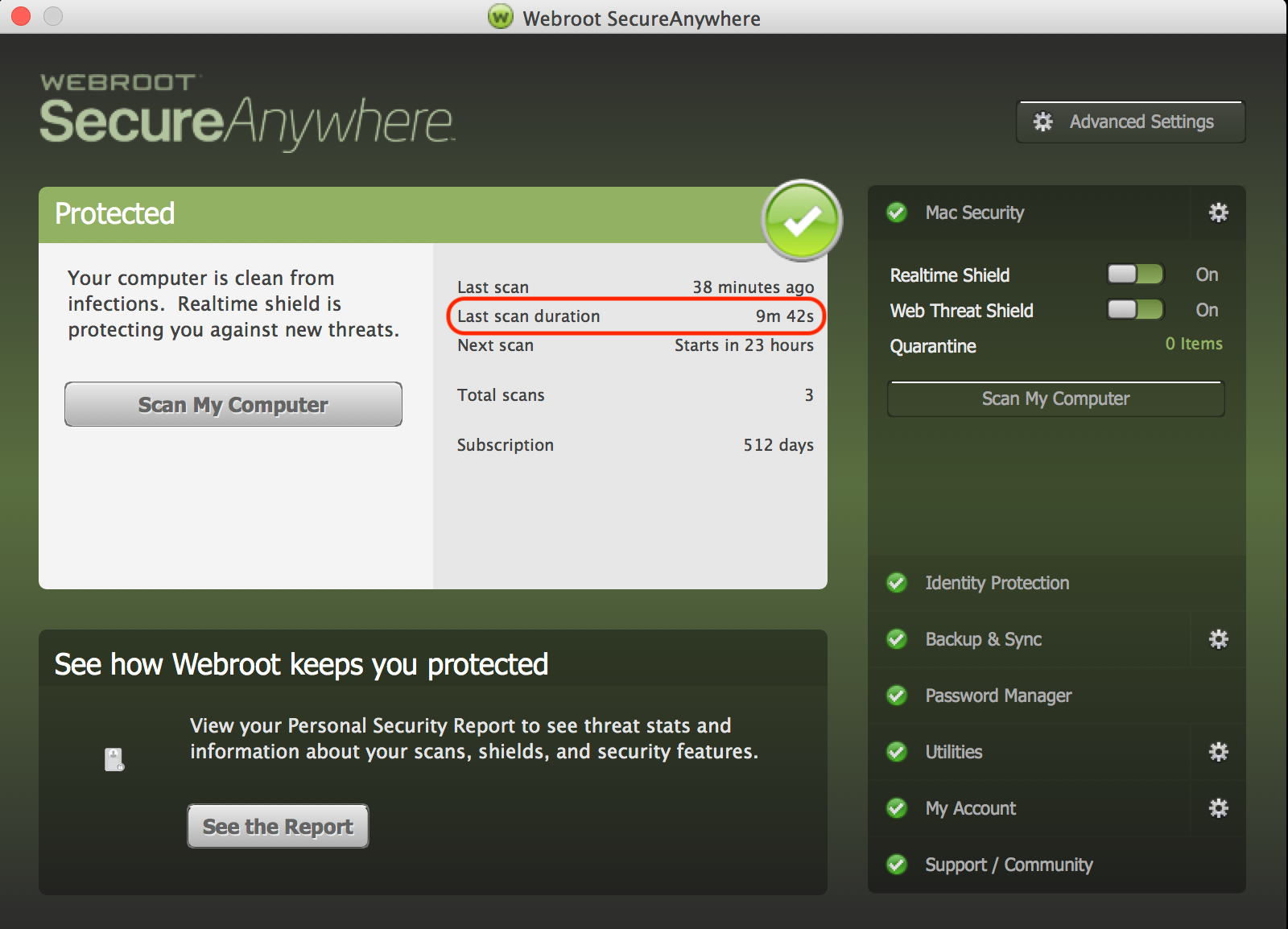
Can a full system virus scan take hours
A full scan can take a few hours or days to complete, depending on the amount and type of data that needs to be scanned.
Why is my full system scan taking so long
It could be due to storage problems, outdated antivirus, unavailable resources, a slow internet connection, RAM not working, background applications running, obsolete system drivers, outdated antivirus, temporary system files, and a corrupt registry.
Cached
How long does a full scan take on system mechanic
The scan itself didn't take too long to complete, probably around a few minutes. And we found that subsequent scans were even quicker. Most of the initial issues that were found had to do with Windows junk files and registry issues that System Mechanic wanted to clean up.
How long does Norton full system scan take
From the Scans window, you can also run manual scans or performance tasks. When you install Norton for the first time, Norton takes at least one hour to find all the threats in your computer. If you suspect your computer is infected, run a Full Scan immediately after installation.
Can I use my computer while doing a full scan
You can use your computer while doing a scan, but accessing files will prolong the scan. Consider running full scans over night to reduce office downtime.
Can a virus hide from a full scan
Any virus that tries to avoid detection by antivirus software is considered a stealth virus. A stealth virus has an intelligent architecture, making it difficult to eliminate it completely from a computer system.
What does a full system scan do
A full scan checks all drives and folders on your PC for threats including viruses, spyware, tracking cookies, rootkits, bots, Trojans, and worms. A full scan takes more time than a quick scan, because it is a comprehensive scan. Run a full scan when you want to check your entire PC for threats.
Why does Mcafee take so long to do a full scan
The scans can take longer because an option has been set to use minimal resources. This option allows you to perform other tasks while scanning your computer. You can customize the settings to schedule scans and run automatic updates when you're not using your PC.
How often should you do a full system scan
You should do a full scan once a week.
Why is my Norton full scan taking so long
If you think the scan takes a long time to complete or if the scan is stuck at a random file or folder, you may not have the latest virus definitions. For more information, read Fix virus scan problems if it stops before reaching 100 percent.
What does a Norton full system scan do
Full Scan. Full Scan performs a deep scan of your computer to remove viruses and other security threats. It checks all boot records, files, and running processes to which the user has access. This scans your computer thoroughly and takes longer time.
How many items are scanned in a full scan
During the Full Scan Windows Defender shows that it is scanning over 13.5 million files.
How do you know if a virus is fully gone
Scan your device for malware.
Run a malware or security Delete anything it identifies as a problem. You may have to restart your device for the changes to take effect. Run your scan again to make sure everything is clear. If the scan shows there are no more issues, you've likely removed the malware.
What does a full virus scan do
What Does a Virus Scan Do Virus scans search through your system to locate and remove any malicious threats on your device. You'll find most antivirus software guards against malware. This can include threats like viruses and worms, as well as, spyware, Trojans, ransomware, and adware.
How can I make my McAfee full scan faster
Optimize the speed at which your computer boots in Startup SettingsOpen your McAfee Windows security product.From the left menu, click the Settings tab.Select General Settings, Startup Settings.Click I want the fastest startup time .Click Apply. You can now close your McAfee Windows security product.
How long should a full virus scan take in McAfee
Full Scan: It checked every folder and file in our computer's drive. As expected, each scan took several hours. Our initial scan lasted five hours and 22 minutes, checking over 460,000 items and removing four threats in the process. Subsequent full scans lasted less than two hours on average.
Why would a doctor do a full-body scan
Full-body scans are usually only done when warranted, such as to help doctors see internal bleeding or to get a better picture of the full extent of a traumatic injury. They can also be used to see if cancer is spreading or is responding to treatment.
Can you use your computer during a full scan
The full scan is thorough, and the time it takes is subject to how many files and folders you have on your computer. As a general rule, the more files you have, the longer the scan will take to complete. You can use your computer while doing a scan, but accessing files will prolong the scan.
How often should I run Norton full system scan
Antivirus software developers recommend it
Still, they all recommend that you schedule a regular scan at least every week. It's only good practice to keep constantly alert on what's going on. No method is perfect, so it's merely smart to follow the developer instructions and regularly perform a scan.
Is Norton full scan good
Norton is a well-known brand that has been around since 1991. It has a strong reputation as antivirus software. This is because it provides complete protection against viruses and malware. It also has a robust firewall that can protect your device from hackers, phishing scams and other cyber threats.
What is a full system scan
Full Scan checks all boot records, files, and running processes to which the user has access. This scans your computer thoroughly and takes longer time.
What is the longest scan
The longest scanned document is 1,181 m (3,875 ft) achieved on a Trüper 3600 scanner by Böwe Bell + Howell (USA) at the HIMSS Annual Conference, Orlando, Florida, USA, on 25 February 2008.
How long does it take for a virus to clear up
A viral infection usually lasts only a week or two. But when you're feeling rotten, this can seem like a long time! Here are some tips to help ease symptoms and get better faster: Rest.
What are the 4 symptoms of computer virus
If you notice any or all these symptoms, your computer might have a virus and you should act:Suddenly slow computer performance, meaning it takes a noticeably longer time to start up or open programs.Problems unexpectedly shutting down or restarting.Missing files.Frequent system crashes.Frequent error messages.
Why is my McAfee full scan taking so long
The scans can take longer because an option has been set to use minimal resources. This option allows you to perform other tasks while scanning your computer. You can customize the settings to schedule scans and run automatic updates when you're not using your PC.


0 Comments