
Do VPNS work with iOS 15?
Do VPNs work with iOS 15?
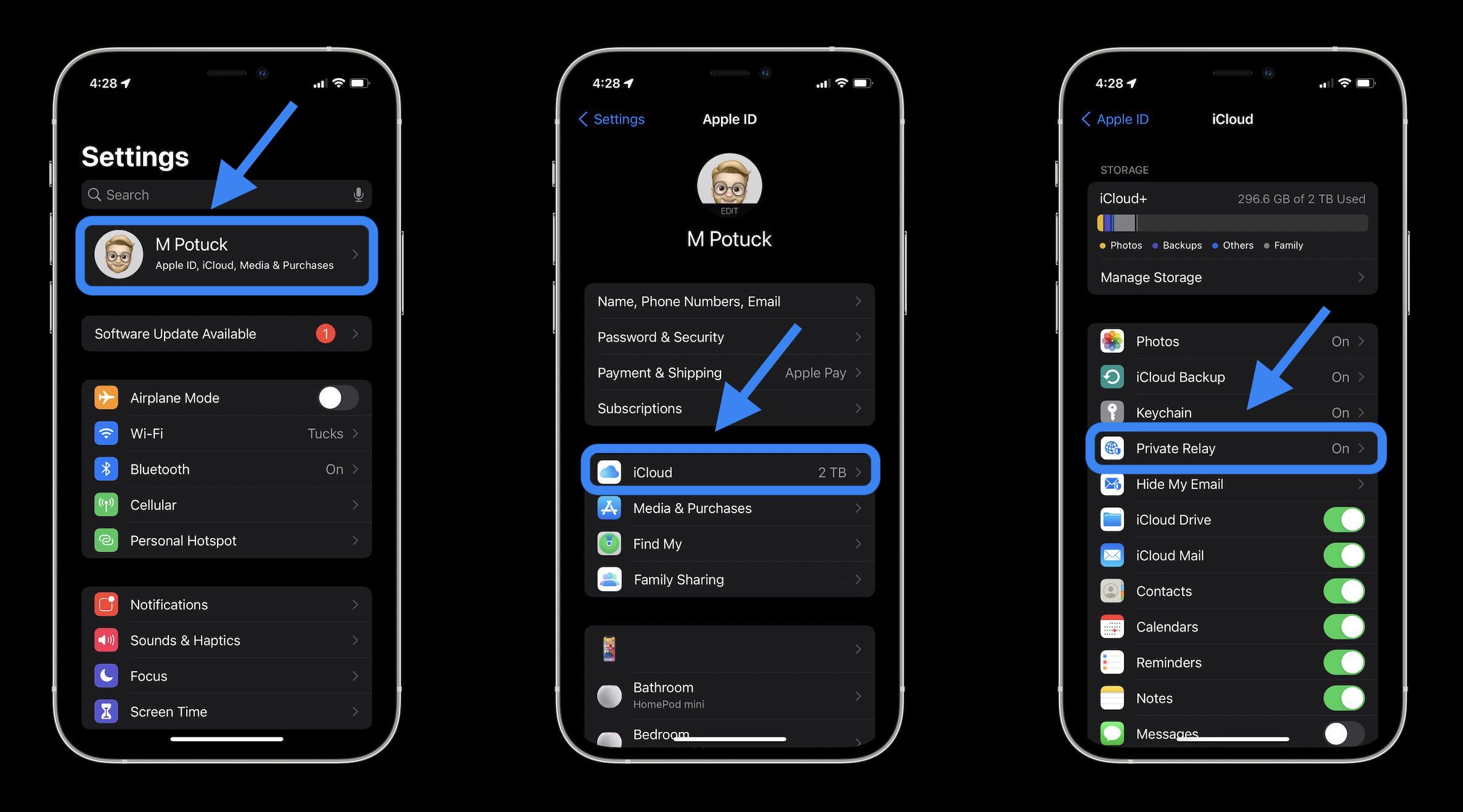
In my personal experience, using VPN on iOS 15 is quite simple. Once it’s connected, you can swipe down and you’ll see a VPN toggle. So, you’re pretty much good to go with just that.
Now, let’s dive into some questions about VPNs on iOS 15:
- How do I use VPN on iOS 15?
- Do VPNs actually work on iOS?
- Why is my VPN not working after Apple update?
- Does iOS 16 come with VPN?
- Does Apple Safari use VPN?
- Why can’t I use VPN on my iPhone?
- Does iOS bypass VPN?
- Should I leave my VPN on all the time on my iPhone?
- Why did Apple remove VPN?
- Is iOS 16 available on iPhone 16?
- Does Safari block VPN?
- How do I enable VPN on Safari?
To use VPN on iOS 15, simply connect to your desired VPN provider. Once connected, you’ll see the VPN toggle in your device settings. It’s as easy as that.
Absolutely! You can get a VPN on your iPhone and establish a secure connection between your device and the internet without any technical background. Your data will be redirected through an encrypted tunnel to keep your connection secure.
If your VPN is not working after an Apple update, a simple solution is to reinstall the app. Head to your iPhone settings, click on Storage, find the VPN app, and delete it. Then, go back to the App Store and reinstall the application.
iOS 16 does not come with a built-in VPN. However, you can easily add VPN configurations in the settings. Tap on VPN and if you have your configurations, they will show up. If not, you can set them up manually.
No, Apple Safari doesn’t have a built-in VPN. However, you can use third-party VPN providers like Surfshark, which offer VPN protection on iOS and macOS Safari.
If you’re unable to connect to a VPN on your iPhone, try the following: Go to Settings > Wi-Fi, tap on the ⓘ icon for the connected network, turn off Private Wi-Fi Address, and confirm by tapping Continue. Then, try connecting to the VPN again. If it still doesn’t work, restart your iPhone and try again.
Unfortunately, Apple has the power to bypass VPN protections on both Wi-Fi and cellular. This means that installing a VPN on iOS doesn’t guarantee that all device traffic will be sent over the VPN.
In most circumstances, it is recommended to leave your VPN switched on to stay protected against snoopers and hackers, especially when using public Wi-Fi networks. VPNs encrypt your data and online traffic, securing your iPhone against potential threats.
Apple was required to remove some VPN apps from its store in compliance with the regulations set by China’s Ministry of Industry and Information Technology. Developers offering VPNs had to obtain a license from the government.
No, iOS 16 is compatible with all iPhone models since 2017. Here are some compatible devices: iPhone SE (2022)
No, Safari is safe to use with a VPN. A VPN encrypts all of your internet data, making it impossible for your Internet Service Provider or any other third parties to see your browsing activities.
To enable VPN on Safari, go to your iPhone settings and look for the VPN option. You can add your VPN configurations there.
How do I use VPN on iOS 15
And as long as it's connected. And you can swipe down and you can see that there's a vpn toggle. Here you're pretty much good to go. And that's really all you have to do.
Do VPNs actually work on iOS
You can get a VPN on your iPhone and establish a secure connection between your device and the internet without any technical background. Your data will be redirected through an encrypted tunnel to keep your connection secure.
Why is my VPN not working after Apple update
The ultimate method of resetting your VPN on iPhone is by reinstalling the app. You can do that by heading to your Settings and clicking on Storage. After you find the VPN app, press Delete App. Lastly, head back to the Apple App Store and get the application once again.
Does iOS 16 come with VPN
And then you just tap on vpn. And from here if you have your vpn configurations. They will show up right here. If you do not have a vpn configuration.
Does Apple Safari use VPN
Does Safari have a VPN Safari doesn't have a built-in VPN. However, Surfshark is a great option offering VPN protection on iOS and macOS Safari.
Why can’t I use VPN on my iPhone
If you're unable to connect to a VPN on your iPhone, go to the Settings app > Wi-Fi and tap ⓘ for the connected network. From the next screen, turn off Private Wi-Fi Address and confirm by tapping Continue. Next, try to connect to a VPN and see if it works or not. If it doesn't, restart your iPhone and retry.
Does iOS bypass VPN
Apple gives itself even greater power to bypass VPN protections on both Wi-Fi and cellular. Users who install VPNs on iOS for personal use or work may believe they are sending all their device traffic over that VPN, but our research (see our testing methodology below) shows that's not always the case.
Should I leave my VPN on all the time on my iPhone
In most circumstances, it is best to leave your VPN switched on to stay protected against snoopers and hackers – particularly while using a public Wi-Fi network. iPhone VPNs help encrypt your data and online traffic so no one can track your activities online – overall securing your iPhones against potential threats.
Why did Apple remove VPN
In January, China's Ministry of Industry and Information Technology announced that all developers offering VPNs must obtain a license from the government. And Apple said it was required to remove some VPN apps from its store because they didn't comply with those regulations.
Is iOS 16 on iPhone 16
iOS 16 is compatible with all iPhones models since 2017. See the compatible devices listed below: iPhone SE (2022)
Does Safari block VPN
Yes, Safari is safe with a VPN. A VPN encrypts all of your internet data, ensuring that your Internet Service Provider or any other third parties can't see your browsing activities.
How do I enable VPN on Safari
So first you want to go straight to settings. And then under settings go to general scroll down and you'll see VPN go ahead and tap on VPN. And then simply add a VPN connection. Now. There's quite a
Does Apple have VPN protection
iPhones only have a built-in VPN client allowing you to connect to a VPN server if you know its details. Otherwise, you need to use a separate VPN app to stay secure over the internet. CyberGhost VPN has a dedicated iOS app that you can install and connect to with a single tap.
How do I force my iPhone to use VPN
Use the VPN on your iPhoneGo to the “Settings” app on your phone.Go to “General.”Choose “VPN.”Tap the status switch on your VPN to turn it on.
How do I enable VPN on iOS
Use the VPN on your iPhoneGo to the “Settings” app on your phone.Go to “General.”Choose “VPN.”Tap the status switch on your VPN to turn it on.
Is it legal to use VPN to bypass
Most VPN services will provide various methods to secure your identity while you're connected as a way to guarantee you'll stay safe and anonymous. While the use of a VPN is perfectly legal, any illegal activity carried out online will remain illegal regardless of whether you use a VPN or not.
When should you not use a VPN
VPNs ensure data protection from hackers and secure browsing. In result, this prevents advertisers or ISPs from accessing your browsing data. At the same time, there may be times when you need to turn your VPN off. That is when you need to access local sites or devices, such as streaming platforms or a printer.
What is the benefit of having VPN on iPhone
Today, having a VPN on your iPhone has several advantages and benefits — not only do you get an additional layer of privacy, but you can also access geo-restricted websites, bypass censorship, and secure your data whilst on public Wi-Fi networks.
How do I enable VPN on Apple
Here's how you can make your VPN active:Go to the “Settings” app on your phone.Go to “General.”Choose “VPN.”Tap the status switch on your VPN to turn it on.
Should I turn on Apple VPN
You should always keep your VPN on, regardless if you're using an iPhone or any other device connected to the internet. There are some exceptions, mainly related to banking apps, but you should use a VPN unless you absolutely must turn it off.
Does iOS 16 drain battery
And although they haven't been released yet, Live Activities and the iCloud Shared Photo Library are two iOS 16 features that may also drain your battery, so look out for an update to this story on how to disable them.
Is iOS 17 out
Timeline: June 5: iOS 17 is announced at WWDC, and the first developer beta is released. July 2023: Apple releases the first public beta of iOS 17. June to September 2023: Apple releases a series of additional developer and public betas.
Does Safari iOS have VPN
Does Safari have a VPN Safari doesn't have a built-in VPN. However, Surfshark is a great option offering VPN protection on iOS and macOS Safari.
How do I add VPN to Safari on iPhone
Open iPhone settings and connect to the VPNTap on your “Settings” app on the Home Screen of your iPhone.Choose “General.”Press “VPN.”Tap “Add VPN Configuration.”Press “Type” and pick the type of VPN protocol you're using.Type in a description, remote ID, and a server for the VPN.
Which VPN works on Apple
What is the best VPN for iPhone and iPad
| Best VPN for iPhone and iPad | Starting price | Apple App store rating |
|---|---|---|
| Surfshark VPN | $2.30+ per month | 4.8 |
| NordVPN | $3.99+ per month | 4.7 |
| IPVanish VPN | $3.33+ per month | 4.5 |
| Proton free VPN | Free with limited services or $5.30 (approx) per month | 4.6 |


0 Comments