
How do I connect a light switch to Alexa?
Summary of the Article
How do I get Alexa to turn my lights on and off? Here are some key points:
– To control your smart lights with Alexa, you can say commands like “Alexa, turn on [light name]” or “Alexa, turn off the light”
– You can also ask Alexa to change the color of your lights, adjust brightness, or make a specific room warmer/cooler
How do I connect my lights to Alexa? Here are the steps:
– Open the Alexa app
– Go to Devices
– Select the plus icon to add a device
– Choose the brand of your smart lights
– Follow the on-screen instructions to connect them
How do I connect my Wi-Fi light switch?
– Check if the Wi-Fi light switch is blinking
– Open the KMC app
– Make sure you are on the right Wi-Fi network
How do I add an Alexa switch?
– Select your Switch+ device
– Sign in with your Amazon account
– Say “Alexa, discover devices”
Can Alexa turn off lights in a house?
– Yes, Alexa can control smart lights in your home
– You can use voice commands to turn on/off lights
Does Alexa turn off lights automatically?
– Yes, Alexa can automatically turn on or off lights based on pre-set actions
Why won’t my lights connect to Alexa?
– Try resetting your smart light bulb and follow device-specific instructions
– Reconnect the smart home device to Alexa in the Alexa app
What is needed to control lights with Alexa?
– You need Amazon Echo, a smart light bulb, and a stable Wi-Fi connection
Why is my switch not connecting to Wi-Fi?
– Restart the Nintendo Switch console
– Ensure your router’s wireless security key setting is compatible
How do I reset my Alexa light switch?
– Hold down the power button until it starts blinking
Can I connect my Alexa to my switch?
– Yes, you can connect your Amazon Alexa Echo Dot to a switch
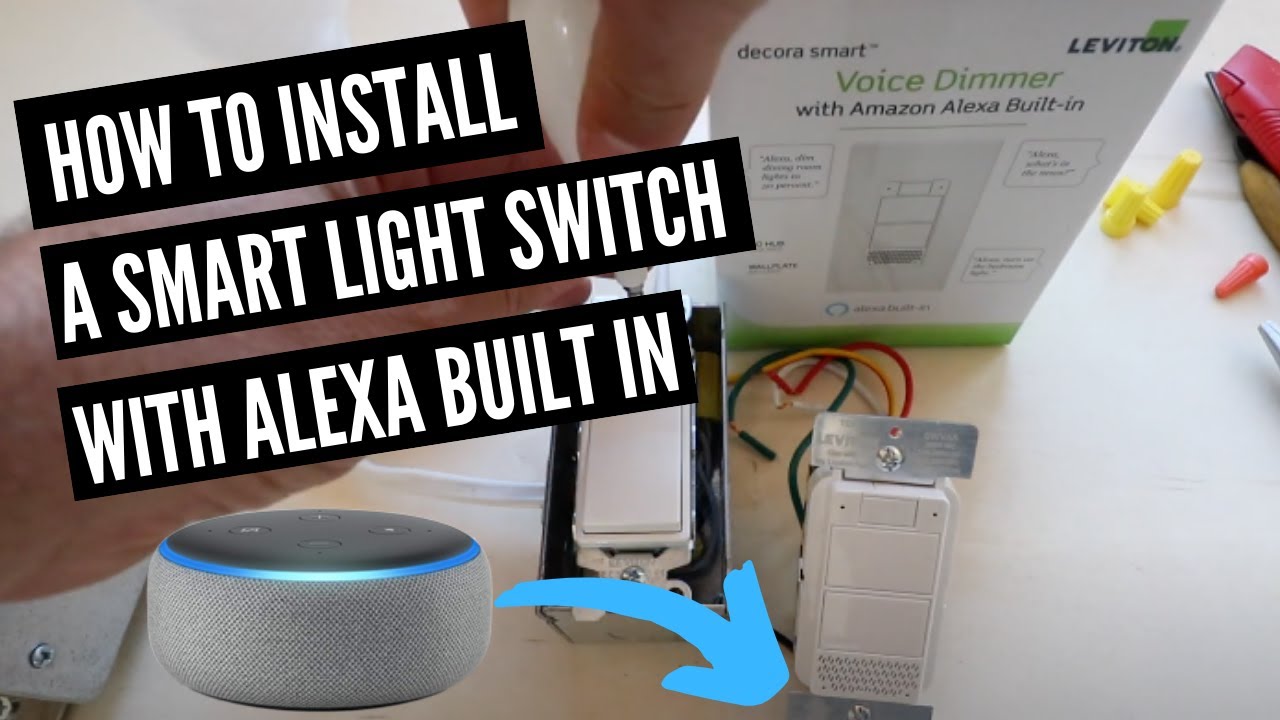
How do I get Alexa to turn my lights on and off
How to control your smart lightsAlexa, turn on [light name]Alexa, turn off the light.Alexa, make the [light name] turn green.Alexa, make [room name] warmer/cooler.Alexa, dim the lights.Alexa, set [light name] brightness to 10%
How do I connect my lights to Alexa
Connect Smart Light Bulb to AlexaOpen the Alexa app .Open Devices .Select the plus icon .Select Add Device.Select Light and then select the brand you want to connect.Follow the on-screen instructions.
How do I connect my Wi-Fi light switch
So you can see it's blinking pretty quickly. So what i'm going to do is go into my kmc app and first i'm just going to check first thing i'm going to do is just check to make sure i'm on the right wi-
How do I add an Alexa switch
Using Amazon Alexa with your Switch+Select your Switch+ device.Select the slashed microphone icon in the bottom right corner.Select Sign in with Amazon and log in with your Amazon account.Tap Sign in.Say "Alexa, discover devices."Select Done.
Cached
Can Alexa turn off lights in house
In addition to playing music and telling you about the weather, you can use Alexa to control smart lights around your home. Imagine being able to walk into your house and turn on all the lights at the same time, or turn off the lights in your room before going to bed with just your voice.
Does Alexa turn off lights automatically
Tip: Alexa can proactively act on hunches when you make them automatic actions. For example, if you're away or asleep, Alexa can automatically turn on or off lights or adjust other smart home devices for you.
Why won t my lights connect to Alexa
If your smart light bulb isn't working, or Alexa can't discover it, reset your device. To reset your smart light bulb: Go to the manufacturer's companion app or website to follow instructions specific to your device. Reconnect your smart home device to Alexa in the Alexa app.
What is needed to control lights with Alexa
How Do Smart Lights Operate With Alexa Alexa takes your voice commands and executes them by connecting with smart devices. Even for controlling lights, you will need to have Amazon Echo, a smart light bulb, and a stable Wi-Fi connection. Alexa communicates your commands over the Wi-Fi network to control lights.
Why is my switch not connecting to Wi-Fi
Possible Solutions: Restart the Nintendo Switch console. To restart the console, hold the POWER Button for three seconds, then select "Power Options", followed by "Restart". Ensure your router's wireless security key setting is compatible with Nintendo Switch.
How do I reset my Alexa light switch
Basic smart wi-fi dimmer switch in order to factory reset this what you need to do is hold down on the power. Button until it starts blinking a red and green color so for me that's typically been
Can I connect my Alexa to my switch
I just tested my switch with my amazon alexa echo dot and the connection. Process was practically seamless. All i did was say alexa bluetooth connect searching. And then simultaneously. Started
How do I manually add a device to Alexa
Manually Connect Device
In the app, tap Devices, tap the + button in the upper-right corner, and then select Add Device. Chose the type of device you want to set up among the different categories, such as Amazon Echo, Light, Plug, Switch, Camera, Lock, Thermostat, or Speaker.
Can Alexa control ceiling lights
atomi smart Ceiling Light – White and Color-Changing, 2400 Lumens, Dimmable, Brushed Nickel Finish. Only 17 left in stock – order soon. This product is certified by Amazon to work with Alexa. This product can be controlled with your voice through Alexa-enabled devices such as Amazon Echo and Amazon Tap.
Do Alexa lights use electricity when off
The short answer to that question is, “Yes, they do.” However, it's important to understand the context. Smart lights are “vampire devices”, which means they use electricity even when they're turned off or in standby mode.
Is it safe to leave Alexa playing all night
Unlike other electronic devices, it is safe to keep an Alexa device plugged in all night. Alexa devices like Amazon Echo Dot and other generations are safe to use. Alexa works on standby mode most of the time when it's on and only wakes up when someone wakes it up through the wake word.
Can Alexa turn on lights when I get home
You have Philips hue bulbs you can easily set them to turn on as you approach your home open the Philips hue app then tap the routines. Button at the bottom right then tap home in a way tap. Coming
Why is my smart switch not working with Alexa
Check Your Smart Plug has Power
One of the simplest reasons that your smart plug may not be responding to Alexa is that it is powered off. If your outlet has a switch, it may be that it has inadvertently been turned off, meaning that there is no power to your smart plug. Check that the outlet switch is on.
Why won’t my Alexa app find my device
Make sure that your smart home device is compatible with Alexa. Devices that have a "Works with Alexa" badge are certified to work with Alexa. Connect smart home Wi-Fi devices on 2.4 GHz bands. Restart your Alexa device and your smart home device by unplugging and plugging them back in.
Can Alexa control a light switch
The alexa light switch is a smart light switch that works with the alexa voice assistant. It allows you to turn on and off your lights with your voice without having to get up from your seat or open the app on your phone.
Can you control ceiling lights with Alexa
Control your lights with Alexa using just your voice. Turn your lights on and off, dim and brighten them, change their colour, and more by saying, “Alexa…”
How do I reset my Wi-Fi Switch
So i need to turn it off and now i can reset. It here's how you do that. First press and hold the device until the light begins to blink. That's basically all we need to do now we want to open up the
How do I reset my wireless Switch
Device is simple start by opening the legrand home plus control app to reset an in-wall switch dimmer outlet or plug-in delete the device from the app. The device will automatically reset. And the led
Why is my smart light switch not working
Oftentimes, a smart switch will stop working due to incompatible Wi-Fi. Many newer routers use a 5GHz signal by default, which means some older 2.4GHz switches will not connect after a router upgrade. In this case, you either have to switch off 5GHz or replace older 2.4GHz switches.
Why is my Alexa not responding to my light
If your smart light bulb isn't working, or Alexa can't discover it, reset your device. To reset your smart light bulb: Go to the manufacturer's companion app or website to follow instructions specific to your device. Reconnect your smart home device to Alexa in the Alexa app.
Can you connect any device to Alexa
Make sure that your smart home device is compatible with Alexa. Devices that have a "Works with Alexa" badge are certified to work with Alexa. Third-party smart home devices that use Wi-Fi and aren't Matter certified can only connect to Alexa through a smart home skill.


0 Comments